
Dynamic Video Ads With Google Web Designer
Management Summary
Video in digital marketing
Video has become one of the most important media in digital advertising. In 2022, video will be used as a marketing tool by 86% of advertisers, of which 92% consider the video medium to be one of the most important marketing strategies (wyzowl 2021). Today in this blog article we would like to introduce a tool that will dramatically increase the efficiency of creating your video creatives, especially if you are planning a personalized campaign.
May we introduce: Google Web Designer.
Video creation in Google Web Designer
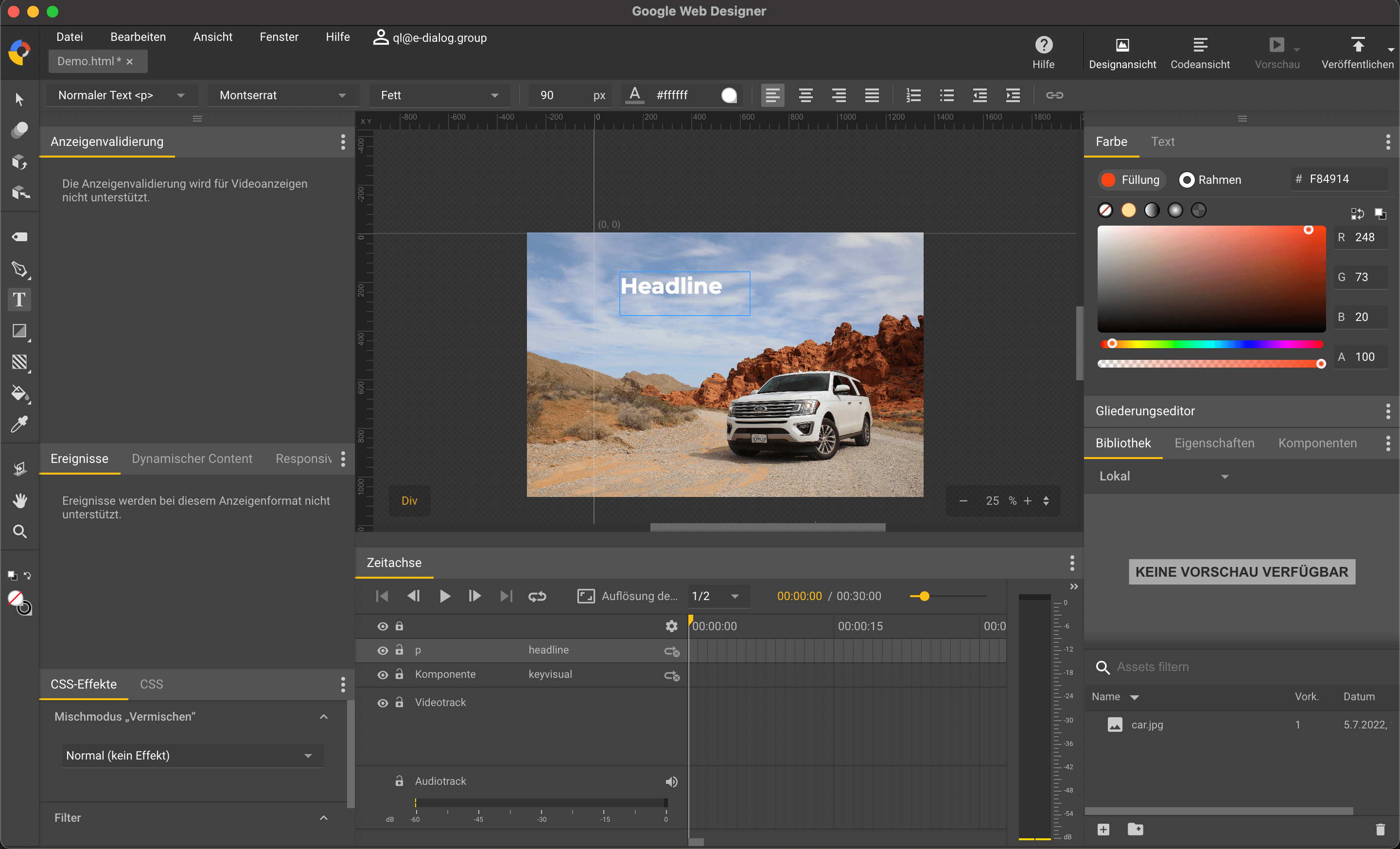
Some of you may know this as a tool for creating HTML Ads. However, last year the team behind the tool integrated a brand new feature: video creation. Why is this exciting? What sets Google Web Designer apart from many other video tools is the seamless transition from design view to code view. Everything produced in the tool is based on code.
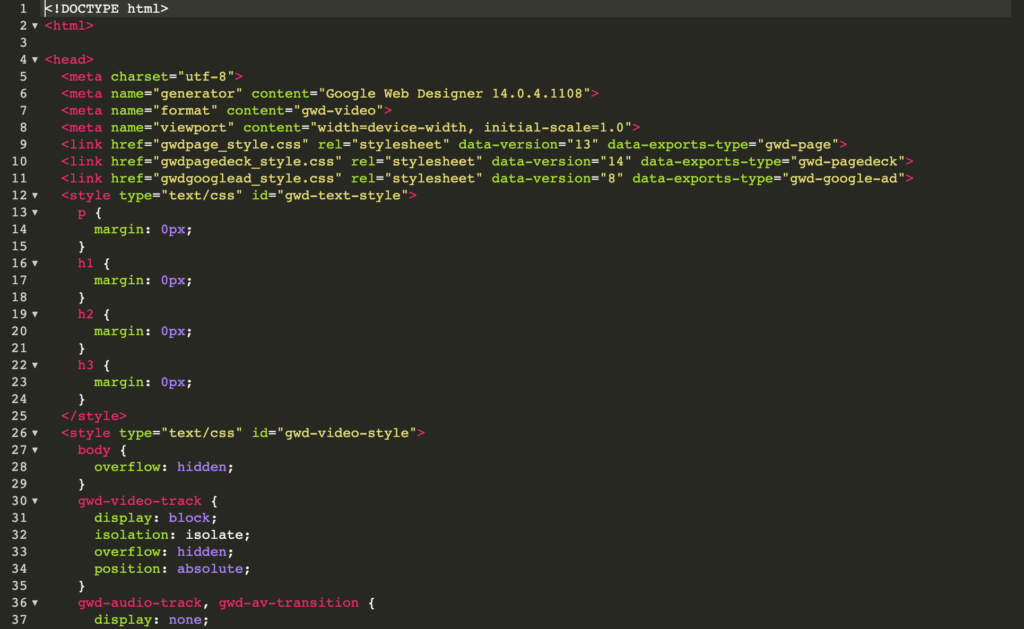
Example of a video creative in code view
If you feel comfortable with programming, you can easily customize all components in code view. Even the pure graphic designers among you don’t have to despair. Working in the design view is similar to that of a common graphics tool, so you’ll find your way around very quickly.
Create dynamic video ads
How do dynamic video ads work? We first create the master template, then define elements that we want to replace with ease. At the end of the day, many video variants are created and exported collectively, which can be used for personalized campaigns. A special feature is the import of feeds. The variants can not only be created manually, but also via CSV files.
The instructional video from Google Web Designer explains how the individual steps work:
https://www.youtube.com/watch?v=I9ur0ys-yM0
Google Web Designer – Tutorial Dynamic Video




