GTM & GA4 Datalayer in Matomo Tracking: The Easy Way!

Management Summary
If you use Google Tag Manager (GTM) and Google Analytics 4 (GA4), you have probably already implemented a robust Datalayer on your website. This Datalayer collects important data such as clicks, form submissions, or e-commerce interactions. The good news? You don’t have to rebuild this system if you want to use Matomo in addition or instead.
In this article, you will learn how to automatically use your existing GA4 Datalayer for Matomo. This saves time, avoids redundancy, and ensures that your data is consistent across both systems.
The Role of the Datalayer in Web Tracking
A Datalayer serves as a temporary data store on a website. It is a JavaScript object that collects information about user interactions and makes it accessible to tag management systems. Instead of creating manual scripts for each action, data is “pushed” into the Datalayer in a standardized format. Tag managers like GTM or Matomo can then retrieve this data and send it to the respective analytics tools.
Using a Datalayer offers the following advantages:
- Consistency: All tags access the same data source.
- Flexibility: Tags can be added or modified without changes to the website code.
- Efficiency: Tracking implementation becomes centralized and scalable.
The Challenge of Datalayer Compatibility
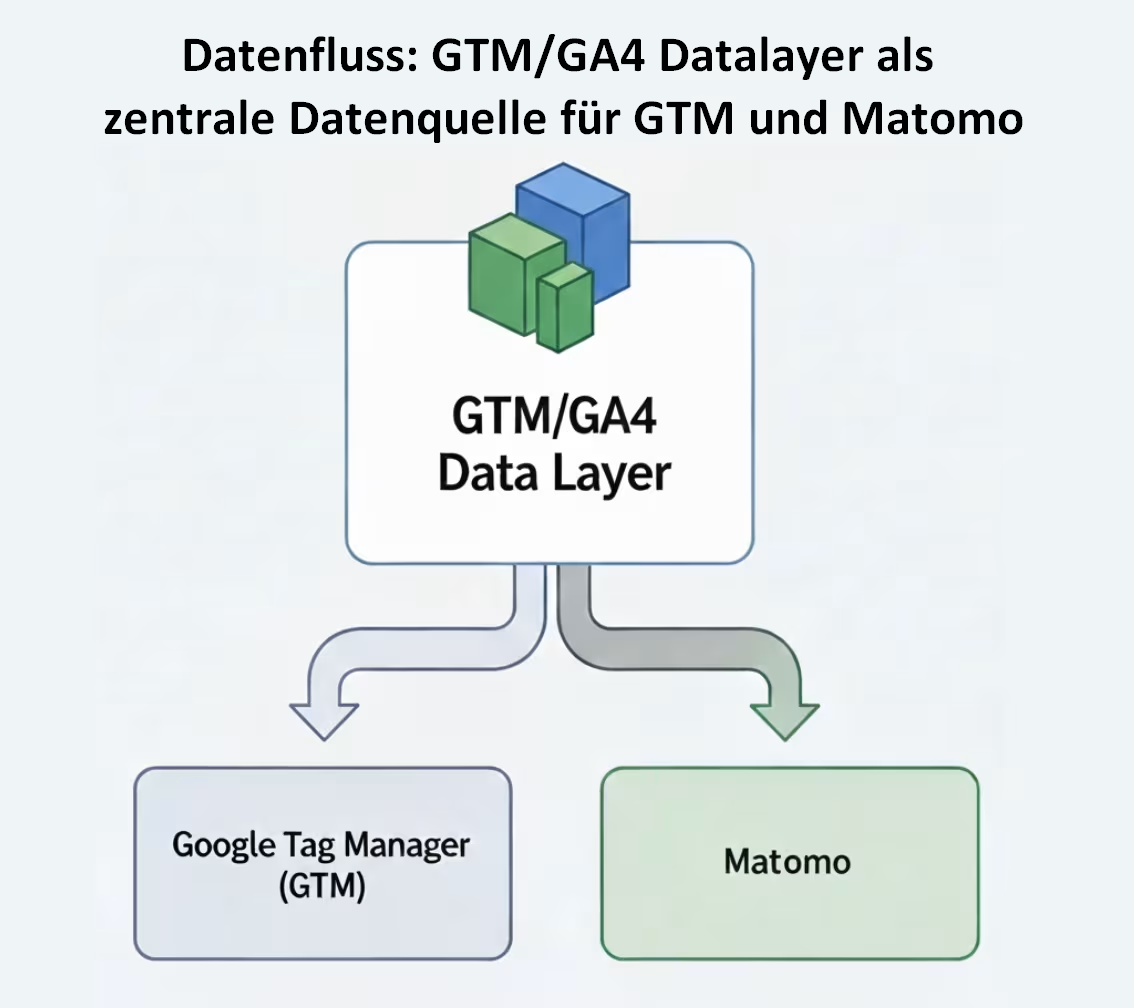
Google Tag Manager uses the Datalayer with the standard name dataLayer, while Matomo uses its own Datalayer named _mtm. Manually duplicating data into both Datalayers involves double the effort and an increased risk of errors.
In Matomo, the following option can be activated when creating a container:

However, this option does not always seem reliable and does not always synchronize all events.
If the option does not work reliably, there is a script to solve this problem that enables automatic synchronization of both Datalayers.
The Solution: Datalayer Synchronization via Script
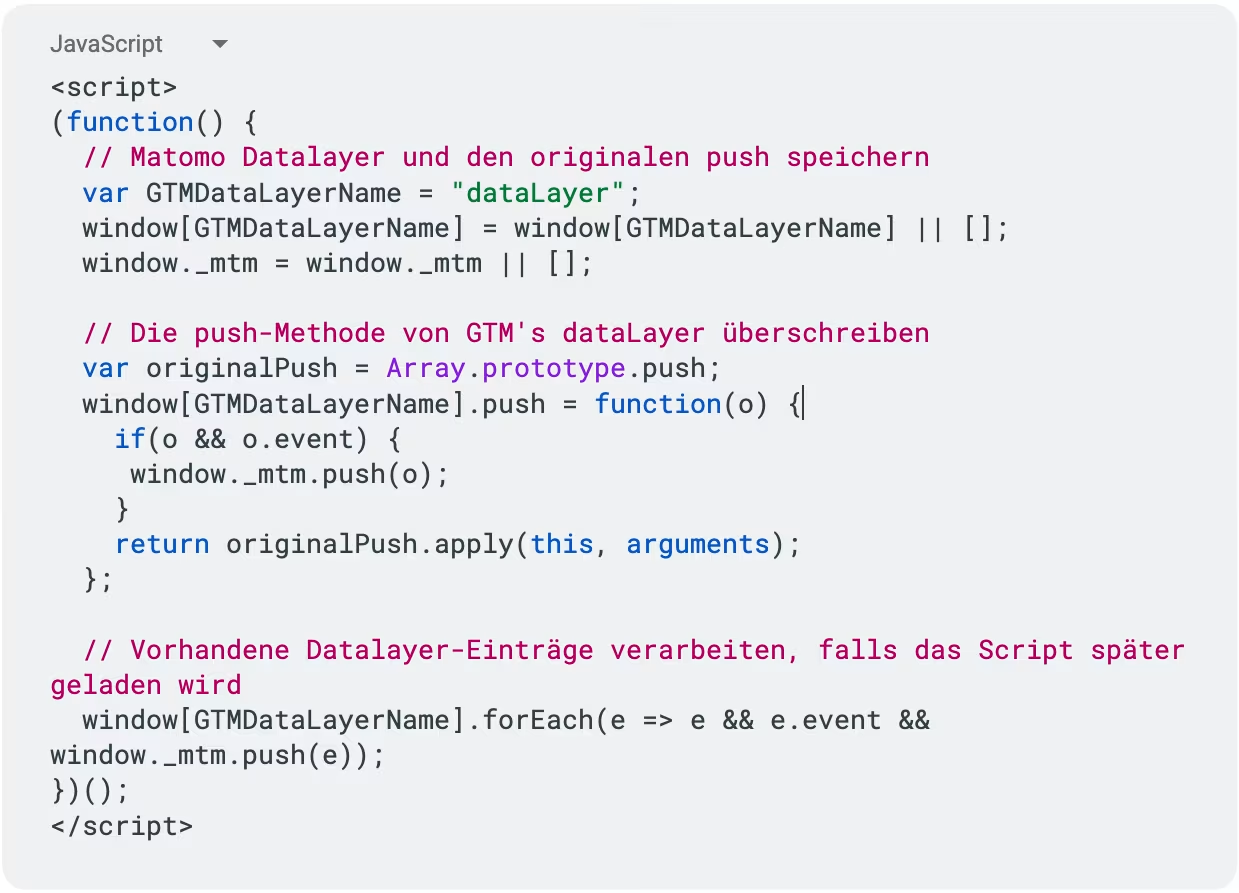
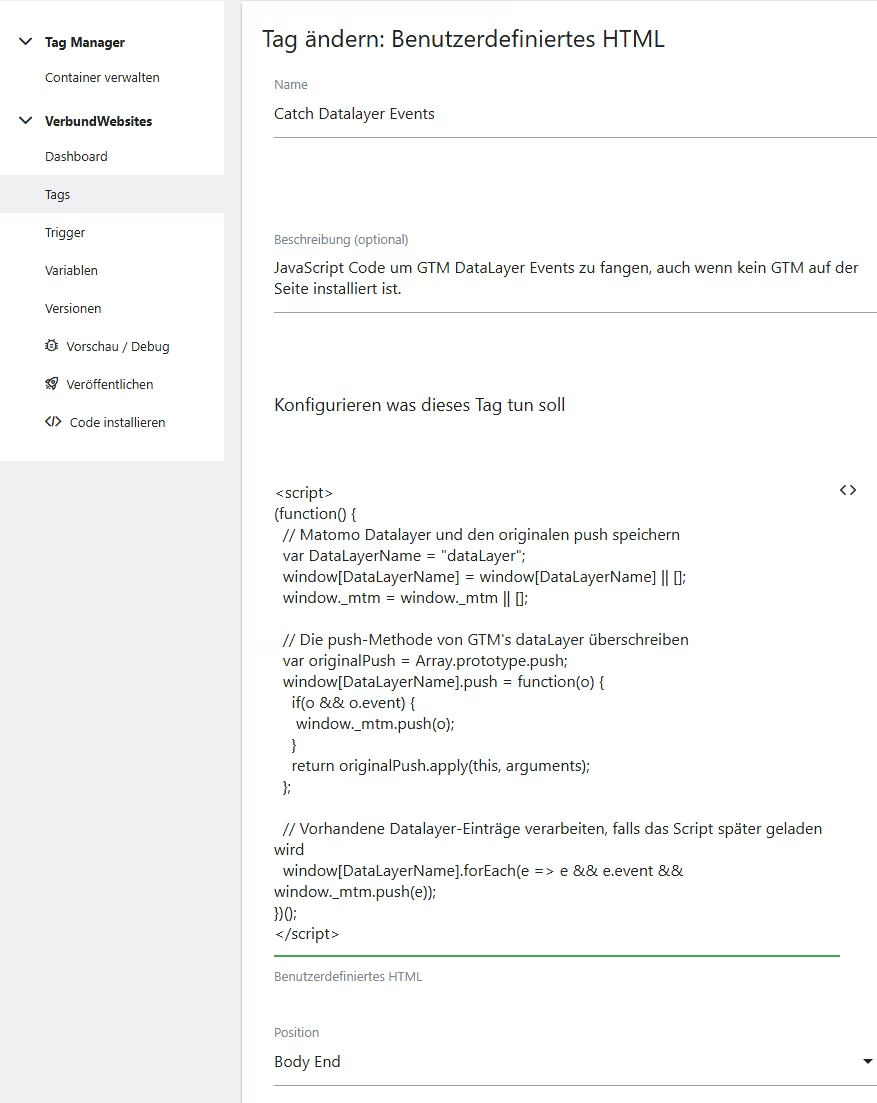
The following script synchronizes the Datalayers by forwarding every push() command in the GTM Datalayer directly to the Matomo Datalayer. The script should be placed on the website before the Matomo tracking code, ideally directly after the GTM container code. It can also be integrated into a Custom HTML Tag within Matomo.
How the Script Works
- Datalayer Initialization: The script ensures the existence of both Datalayers (dataLayer and _mtm).
- Replace push method: The original push method of the dataLayer array is saved and replaced by a new function.
- Synchronization: The new push function checks whether the pushed object contains an event. If so, the object is additionally written to the Matomo Datalayer _mtm. Subsequently, the original push method is called to avoid affecting the functionality of any implemented GTM container.
- Processing of pre-existing entries: A forEach loop processes events already present in the dataLayer, if the script is loaded after them.
Configuration in Matomo Tag Manager
After implementing the script, the corresponding tags and triggers must be configured in Matomo Tag Manager (MTM). The event names from the GA4 Datalayer are now available in the Matomo Datalayer.
1. Create Trigger
In Matomo Tag Manager, a new trigger of the type “Datalayer Event” is created. The Datalayer event name must exactly match the event name from the GA4 Datalayer (e.g., add_to_cart, purchase).
2. Define Variables
Datalayer variables are created for the transfer of additional data. The variable name must correspond to the key in the Datalayer (e.g., page_location, ecommerce.items.0.item_name).
3. Configure Tag
A Matomo Analytics Tag would then still need to be created. It is linked to the previously defined trigger, and the Datalayer variables are assigned to the corresponding Matomo fields (e.g., Event Category, Event Action).
Through this configuration, the Matomo tags are automatically triggered and populated with the same data that is also used for GA4.
Conclusion
The synchronization of the GTM and Matomo Datalayers represents an efficient method to unify the tracking infrastructure. It reduces the implementation effort and ensures a consistent data basis in both systems. The script shown provides the technical foundation to leverage the advantages of both tools on a common data platform.