
How To Use Gtm Trigger Groups Correctly

Management Summary
Why Trigger Groups?
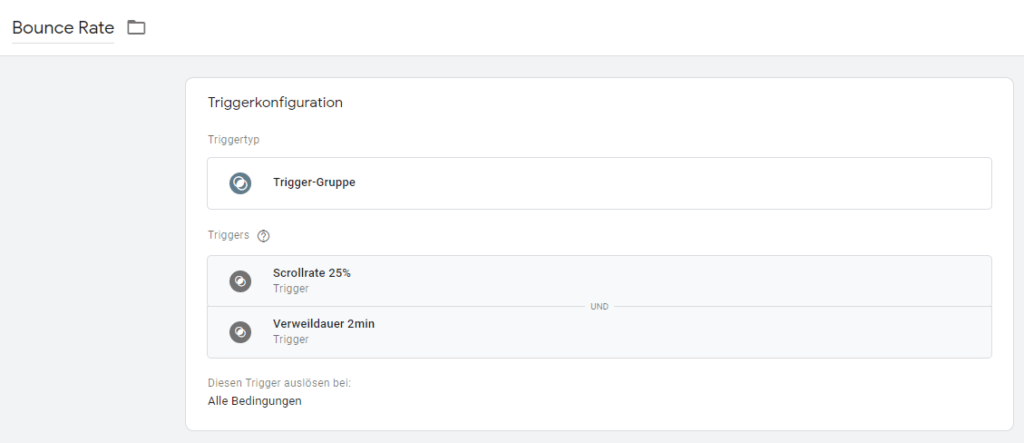
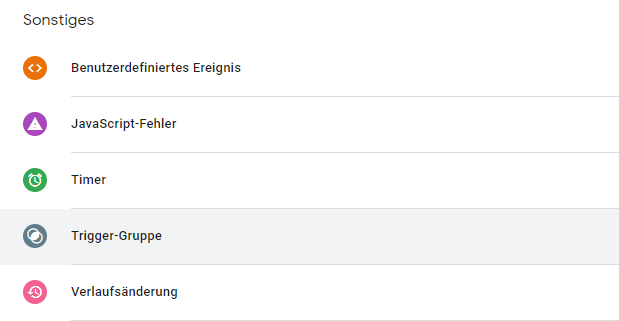
Trigger groups are a new “trigger type” in the Google Tag Manager repertoire and allow several existing triggers to be combined into a single one. This new trigger group can then be applied to a day. So you can say: If A and B occur, day X fires.
So ifonlyA oronlyB occurs, our tag X does not fire. Only when (in our example) both triggers from the trigger group have been triggered does our trigger group come into effect and trigger the desired day.
Trigger Group Use Cases
Trigger groups can be very useful in many situations. The ability to combine certain events and certain incidents gives the user a tool that offers unlimited possibilities.
Site Performance & Trigger Groups
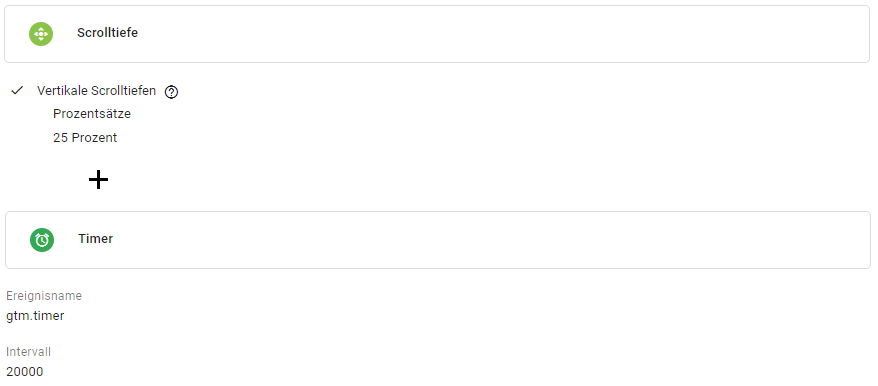
On the one hand, this allows conditions to be created, such as reaching a certain scrolling depth in connection with the time spent on a page:
Marketing Pixel & Trigger Groups
Another use case would be if the tag or pixel has to wait for a specific event and, for example, for the page to load completely.
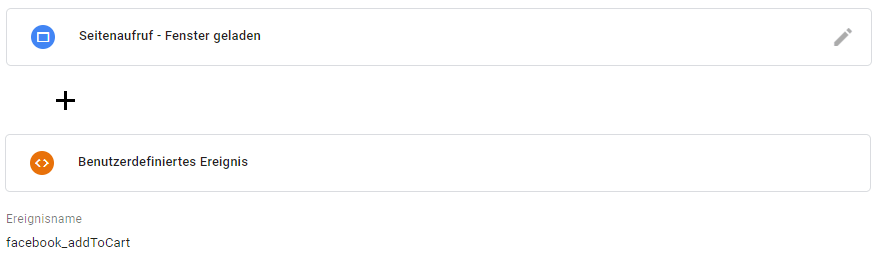
Here our pixel (in this case a Facebook Add to Cart event) would only fire when the window is loaded and our event “facebook_addToCart” would be pushed into the dataLayer (the data layer variable).
More examples
Other use cases of trigger groups include all sequences that we can imagine. As well as forms that record which form fields a user clicks on. If 3 out of 5 form fields were clicked, we want to record this with a Google Analytics event – and we can do this with a trigger group.
Consent management
An important and increasingly relevant use case for trigger groups is consent management in Google Tag Manager. Since the introduction of the GDPR (General Data Protection Regulation) in May 2018, more and more companies are using Google Tag Manager to control their marketing pixels. In the Google Tag Manager, these pixels must be given the settings so that they are only allowed to fire once the users of their websites have given consent. Since you can create conditions with trigger groups, the trigger groups are ideal for using them here. However, with caution.
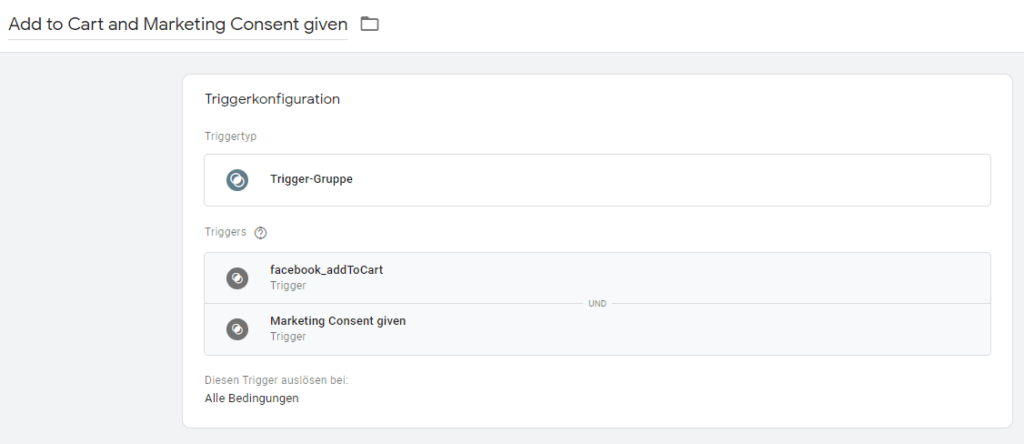
Limits when using trigger groups
Trigger groups only fire once
One of the most important factors when using trigger groups is the fact that a trigger group will only fire once, once the set triggers have been fired. The Trigger Group will not fire again even if all of its underlying triggers have been re-executed.
This fact makes them unusable in some use cases. For example, in event tracking that is triggered multiple times on the current page, the trigger group only fires once. All further interactions are then lost. Therefore, the feature is not 100% suitable for setup in consent management, as most consent management platforms (CMPs) only fire the event for the given consent once per page view.
Further limitations
- Trigger Groups cannot be used as exclusion triggers
- Triggers within a trigger group should not be accidentally added to the same day again
- Although trigger groups are listed as events in the dataLayer, the dataLayer entry does not provide any information about the tags or triggers that are related to the triggered trigger group
Conclusion
Trigger groups can be used in a variety of ways. However, we recommend using the feature carefully and understanding the limitations shown above. We would particularly urge you to be careful when using a CMP (Consent Management Platform), as trigger groups only fire once and you could lose even more data due to an incorrect setup.




