Reporting Options In Dv360

Management Summary
Instant reporting
With Instant Reporting, data is displayed immediately – not just when a report is created and is available for download and offline. Instant reporting is perfect for quick performance monitoring and ad-hoc analyses. Instant reporting is also suitable in practice for routine analyzes of common dimensions and metrics. The reports can be used once or saved for later. Visualizations such as bar and pie charts are also possible.
Advantages
- fast reports
- nice, clear visualization
- various display options (pie chart, time series chart, flat table etc.)
- Data from the last 90 days can be analyzed
- no more need for Excel
Use case
We recommend using Instant Reports to get a quick overview of current campaigns and to quickly generate insights. No waiting for the download and adding various metrics by simply swiping.Bonus:Instant reports can also be shared directly with other users.
Where can you find Instant Reports?
The Instant Reports can be found in DV360 – Insights area in the Reports category.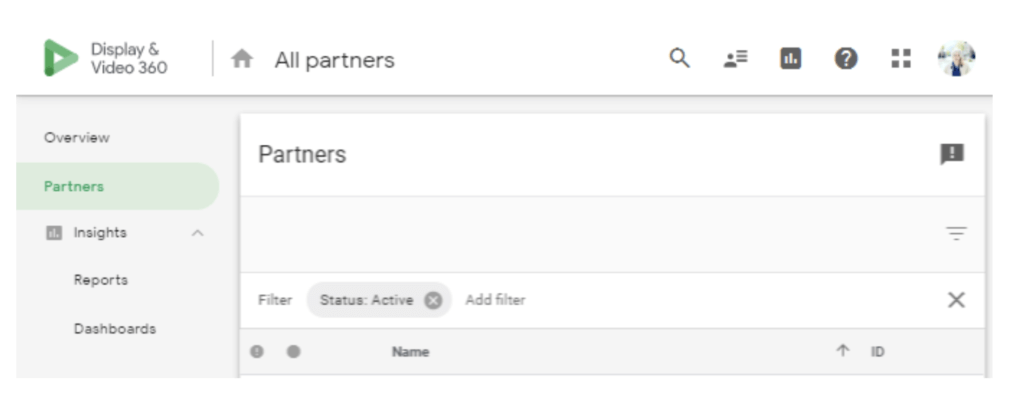
Scheduled Reports / Offline Reports
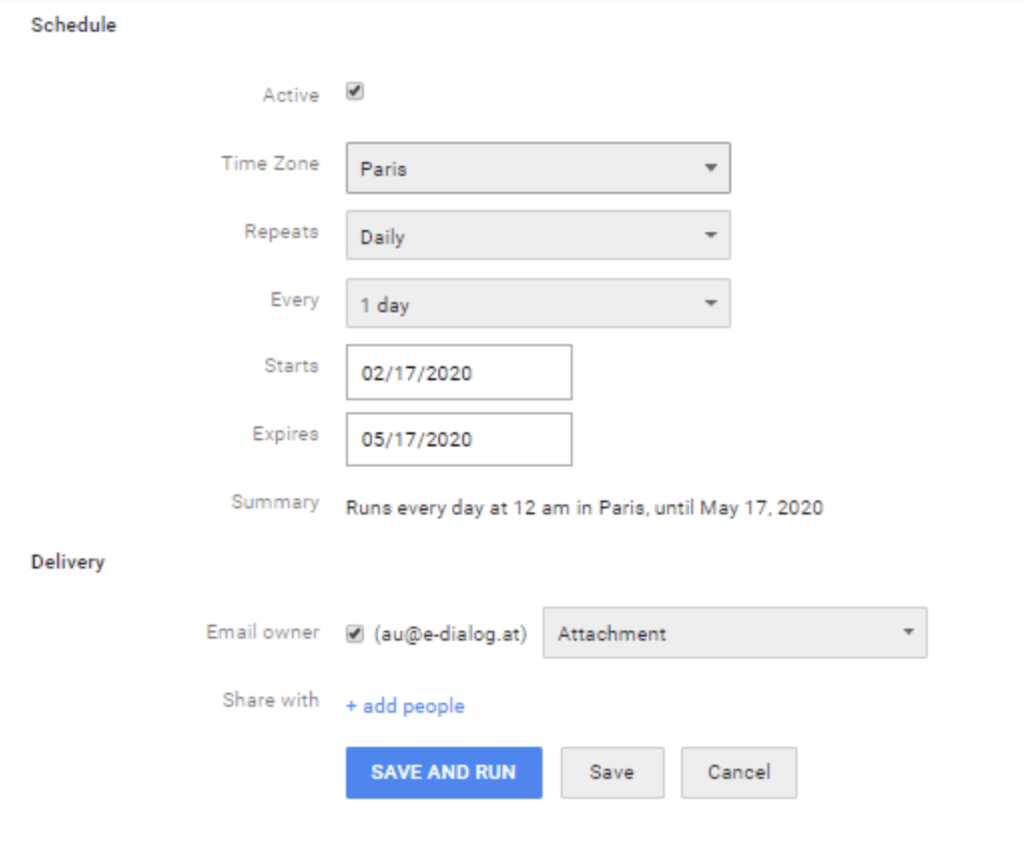
The offline reports in DV360 cover all levels of a performance-oriented campaign and range from planning to the performance of delivery for the respective target groups to the data costs incurred. In all offline reports, DV360 offers the option of using the Schedule & Send delivery reports automatically.
Advantages
- Efficient reporting, time savings with the schedule function (automation e.g. sending by email)
- can be shared with specific users
- Monitor campaigns better and faster
Use case
Would you like to have the evaluation for delivery of the planned budget ready at the weekly team meeting? With the Scheduled Reports function, you will receive the evaluation automatically by email and have less effort preparing for the team meeting!
Where can offline reports be found?
Offline reports can be found in DV360 in the area of the same name. There are several report variants available here (Standard, Audience Composition, etc.). After selecting the variant, scroll down and select the Schedule & Configure delivery options.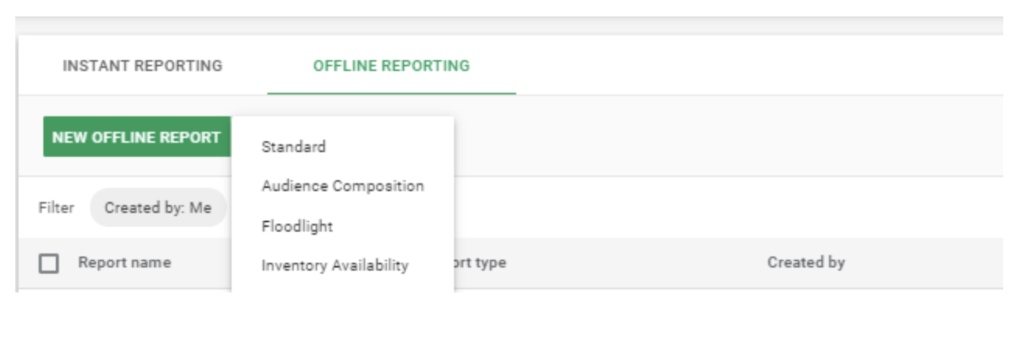
Google Data Studio
Data Studio is a powerful Google tool for preparing powerful representations and analyzes of live campaigns. The tool is cloud-based, i.e. the user creates the reports entirely in the web browser and no additional software is installed.
Advantages
- intuitive user interface
- can be shared with other users (with different permission and sharing options)
- Linking many different data sources (Campaign Manager, DV360, Google Analytics, etc.)
- offers all relevant metrics and necessary functions for data analysis
- The filter function allows the campaign setup to be displayed and evaluated in a very granular manner
- offers the opportunity to create your own dimensions and measurements
- can be used by multiple users at the same time
- the respective reports can be saved directly as PDF
- Data Studio offers its own templates
Use case
With an Always On campaign, performance can be monitored and followed live. The various visualization elements make it clear whether the optimizations are bearing fruit.
Where can I find the link to Google Data Studio?
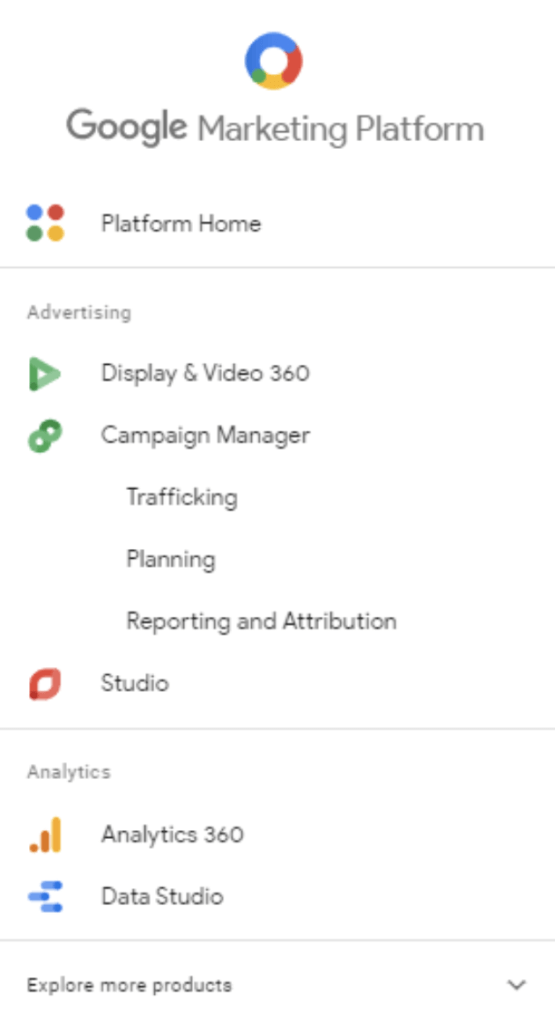
In the Google Marketing Platform, in the bottom tab “Data Studio”.