MCP Simply Explained: The USB-C for AI Agents and Data

Management Summary
Discover MCP, the open standard that connects AI with data and tools. Increase efficiency and manage GA4 or GTM directly via simple prompts! In this blog article, we show you how it works.
What is MCP?
I think there is no better description than the one already available on the official website:
“MCP (Model Context Protocol) is an open-source standard for connecting AI applications with external systems.
Using MCP, AI applications such as Claude or ChatGPT can connect to data sources (e.g., local files, databases), tools (e.g., search engines, calculators), and workflows (e.g., specialized prompts), allowing them to access important information and execute tasks.
Think of MCP like a USB-C port for AI applications. Just as USB-C provides a standardized way to connect electronic devices, MCP provides a standardized way to connect AI applications with external systems.”
What Can Be Done with MCP?
In the field of online marketing, I believe that connecting MCPs with databases such as BigQuery and tools such as GA4 and GTM will be the future.
For example, if you connect an AI agent to your GTM containers via MCP, it is possible to write prompts and simply tell the agent what to do in one of the containers, and it will do the work. It is no longer necessary to open the GTM user interface; instead, you simply talk to the AI.
How Does the MCP Concept Work?
MCP Host:
- The AI application that the user uses to enter prompts
MCP Client:
- Establishes the connection between the MCP host and the MCP server
- It is more of a technical component that operates in the background and is not a specific software or tool
MCP Server:
- A program that connects to external data sources and tools
- It will primarily use the official APIs of these sources and tools for the connection
To better understand this concept, here is a possible setup:
The editor ‘VS Code’ can function as an MCP host together with an AI plugin.
For example: GitHub Copilot, CodeGPT, Gemini Code Assist are suitable AI plugins.
The MCP host takes care of the MCP client, so the end user does not have to worry about it in real life.
The MCP server is the translator between the prompt and the external data source or tool.
It translates the prompt “List all my GA4 properties” into the corresponding API request.
You can find a list of example servers here and here.
Anyone can create an MCP server, so there are official and third-party servers. Additionally, the MCP server can be hosted locally on your own computer or remotely.
The final process looks as follows:
- The user enters a prompt into the VS Code plugin (e.g., Gemini Code Assist)
- The plugin sends the prompt to the MCP server via the MCP client
- The MCP server translates it into an API request
- The returned data is then converted back into a readable structure and sent back to the plugin and displayed to the end user
Which MCP Hosts Should I Use?
The answer to this question depends on various factors:
- Will you be the only person working via MCP? Or does an entire team need access?
- What technology are you already using in your company?
- What are your company’s data and AI policies?
a) Web Interfaces
Unfortunately, gemini.google.com currently does not support a native way to work with MCP servers.
There are workarounds such as this Chrome extension, but I assume that Google will release some MCP features in the near future. At the moment, the Gemini CLI supports the use of MCP servers.
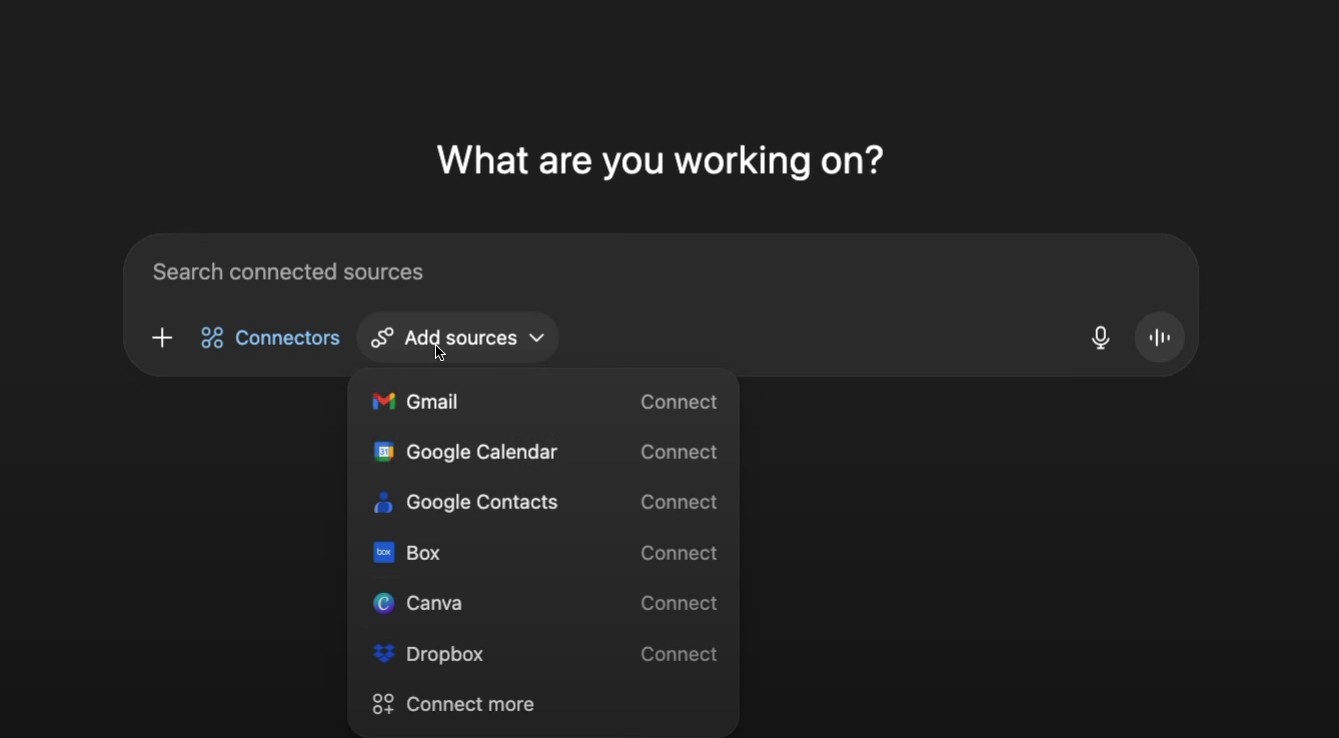
An easy way to start exploring MCP is via ChatGPT.com
Depending on your plan, location, and settings, you may already see preconfigured MCP servers.
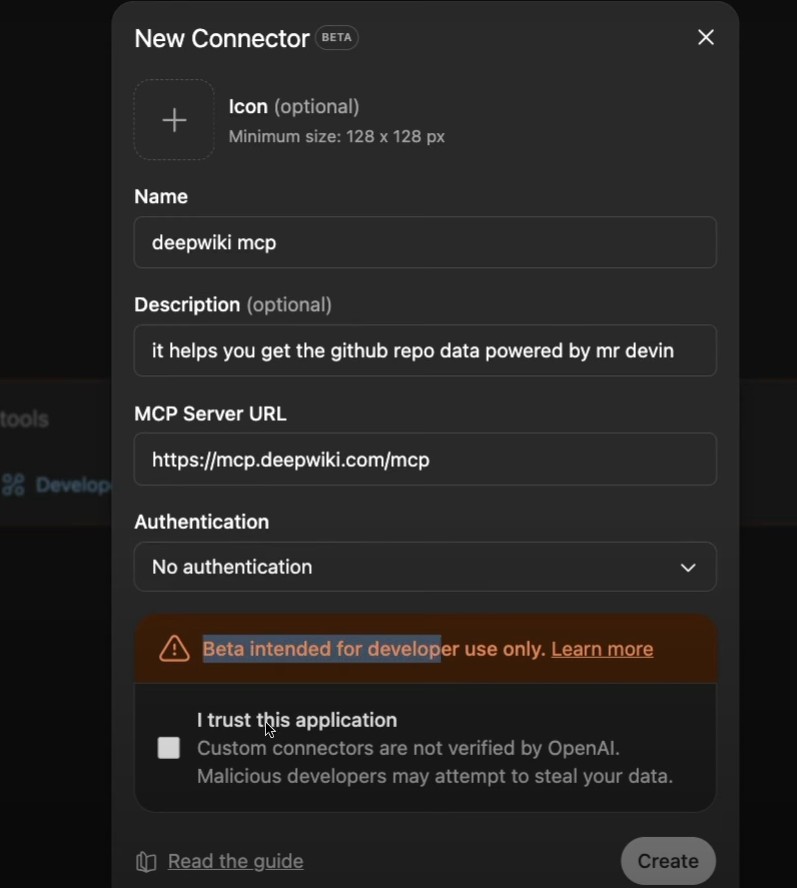
There is also a beta feature that allows you to add custom MCP servers.
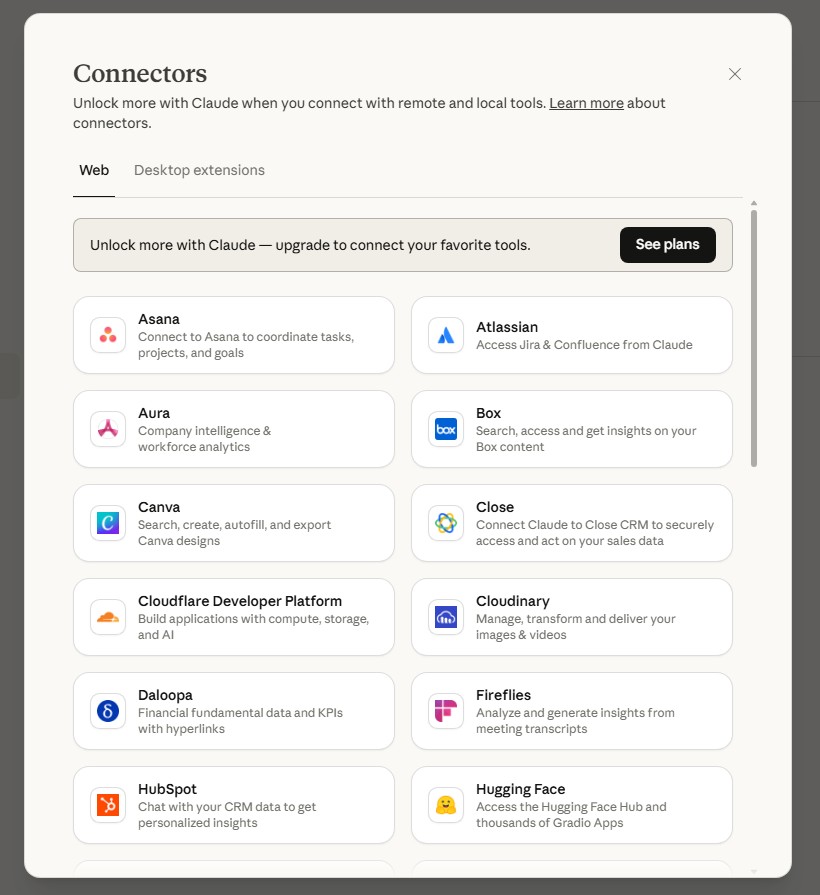
Also, claude.ai and their desktop app are used by many to interact with MCP servers.
b) IDEs / Editors
As already mentioned, the popular editor VS Code can be used together with plugins such as Gemini Code Assist and Claude Code to work with MCP servers.
Another interesting solution is Cursor. It is based on VS Code, but the AI integration is more deeply integrated into the tool. This means that less installation and setup are required to use MCP servers.
Which MCP Servers Should I Try?
There are already thousands of MCP servers out there. As a starting point, you can check out https://smithery.ai/. They claim to be the largest open marketplace for MCP servers. In addition, other lists are also available, e.g., https://www.pulsemcp.com/servers
Unfortunately, not all MCP servers are on these lists, so it is also worth looking at these lists:
GA4:
https://github.com/googleanalytics/google-analytics-mcp/
https://github.com/GunnarGriese/mcp-server-google-analytics
https://smithery.ai/search?q=ga4
GTM:
https://github.com/neep305/mcp-for-gtm
https://github.com/stape-io/google-tag-manager-mcp-server
https://smithery.ai/search?q=gtm
Conclusion
MCP is a new and evolving standard that opens up exciting possibilities for connecting AI with external systems. Setting up and using MCP servers can currently be technically challenging, but as the ecosystem grows, major AI companies will likely simplify the process, making it easier for teams and individuals to use MCP in their workflows.