How well does AI evaluate your Meta Ads account? Our hands-on test with Claude and the Meta Ads MCP

Management Summary
In a nutshell: What is MCP?
The Model Context Protocol is a standardized interface. It allows an AI model like Claude to access external data sources directly—in this case, data from a Meta Ads account. The AI thus sees the actual performance metrics and can evaluate them on demand. This enables analysis based on real account data. Meta has provided official interfaces for this purpose. We recommend and use this direct connection instead of going through third-party providers.
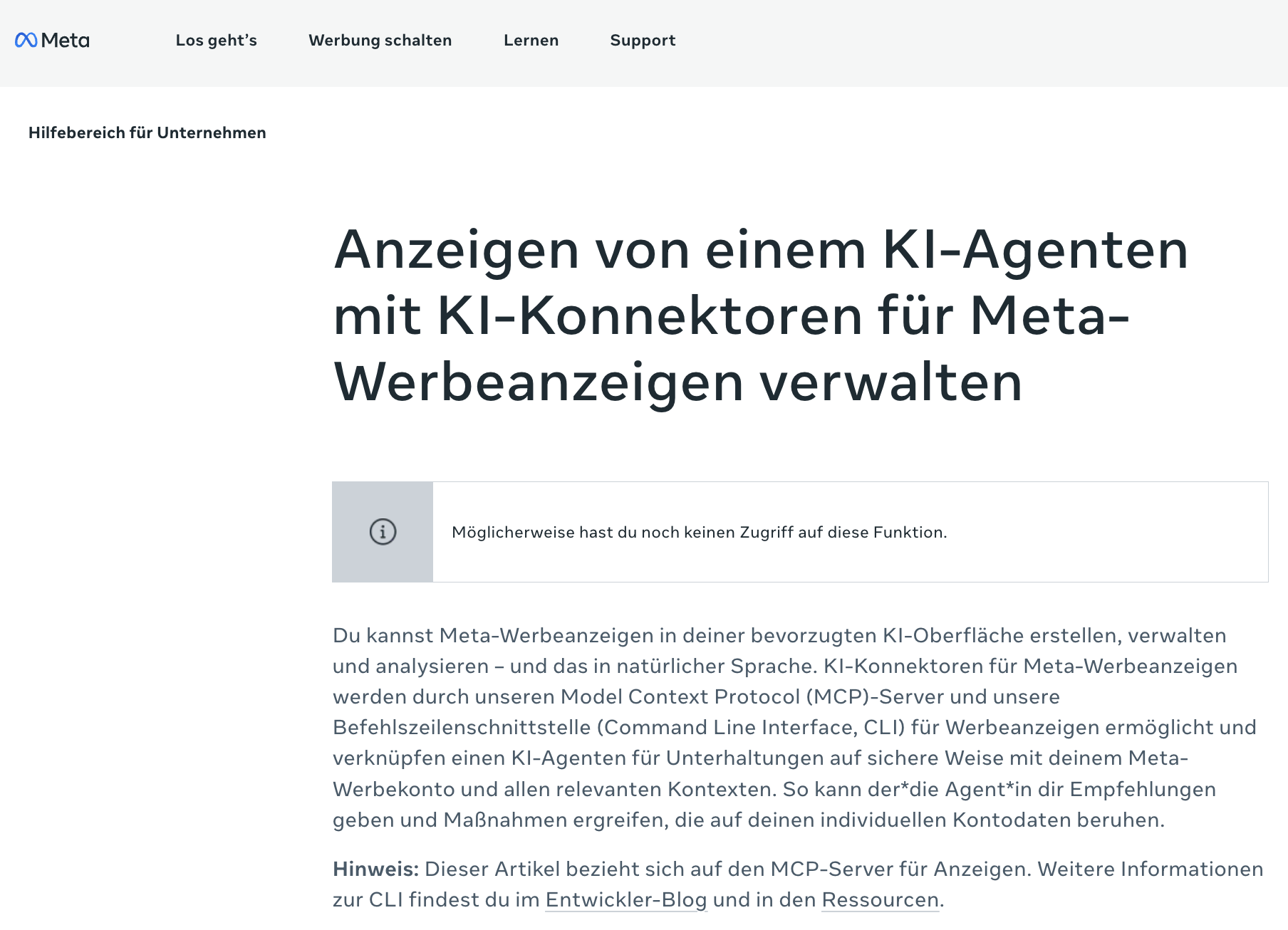
The setup: The evaluation is handled entirely through the chat
The entire analysis is performed interactively. A simple query such as “How has the Meta Ads account performed over the last 30 days?” is all it takes to generate a structured analysis. Tasks that previously required exporting data, creating pivot tables, and sorting individual columns are now replaced by a single query.
For validation purposes, the results were compared with the existing reports. The metrics were reported correctly. The only inconsistency was in the selection of metrics: initially, “clicks” were used instead of “link clicks.” This can be corrected immediately by clarifying the request.
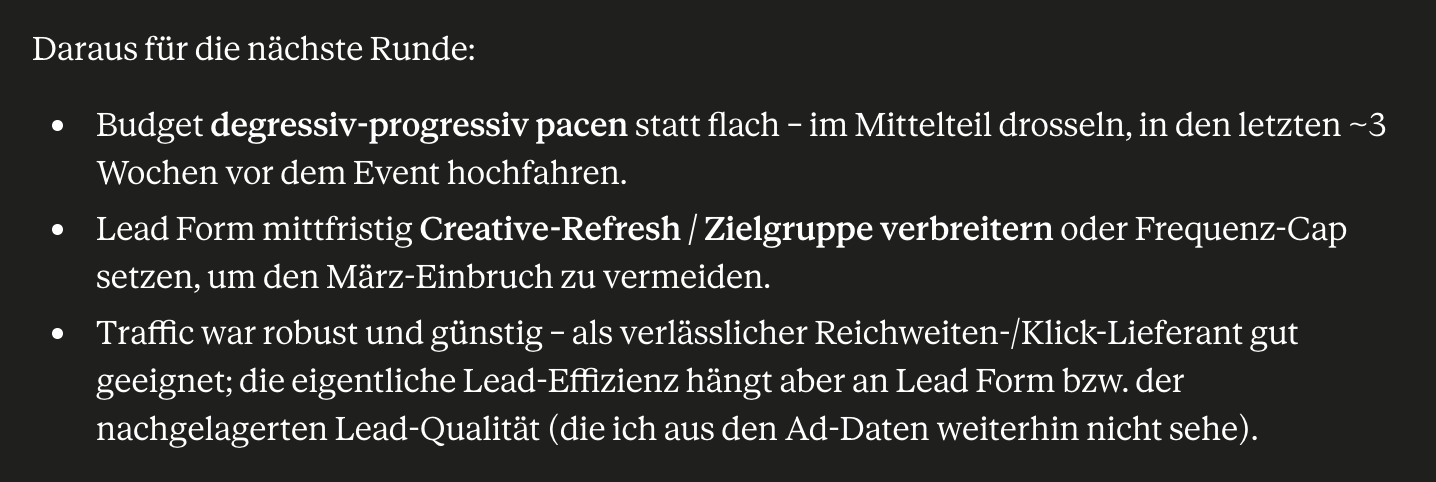
Trend Analysis: This is where the real value lies
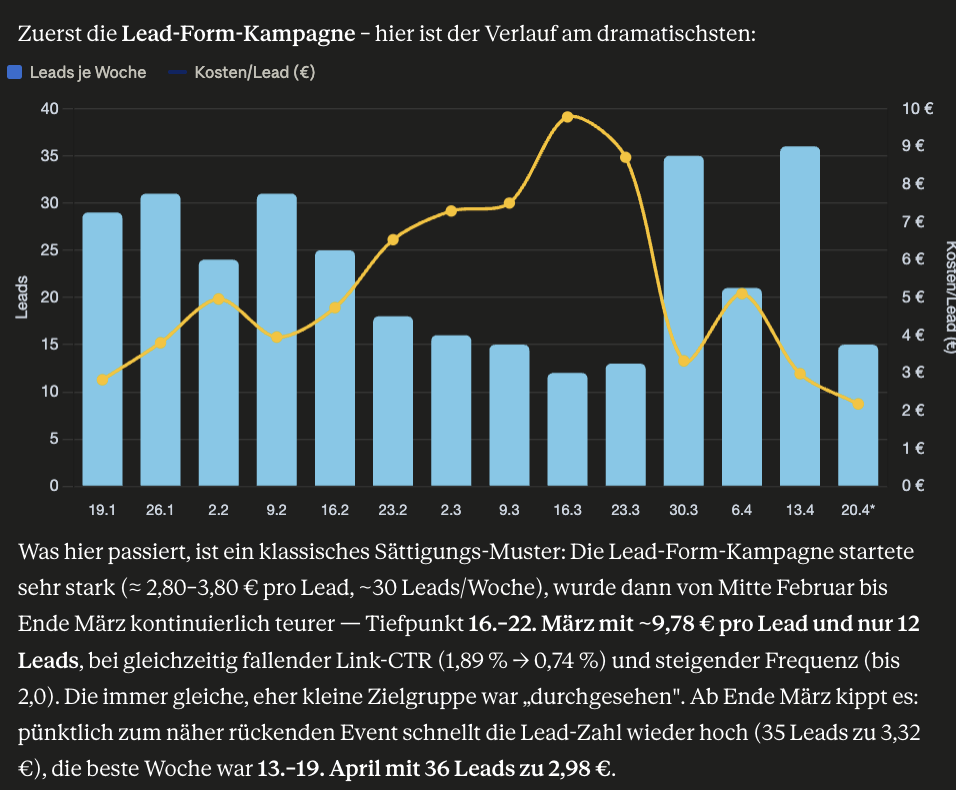
The trend analysis, which performed well in the test, is particularly relevant. It reliably identified an increase in performance starting at a specific point in time. Although the cause had to be actively investigated, it was subsequently correctly identified—in this case, the activation of new creatives.
One practical feature is that the trend analysis isn’t just presented as text, but is also visualized. Charts are generated directly in the chat, showing trends at a glance. This is ideal for your own analysis and takes just seconds. However, this format isn’t sufficient for reporting to clients. While the AI provides the content and quick visualization, creating brand-compliant reports remains a separate step.
This kind of setup becomes particularly useful when it doesn’t just track metrics, but also identifies patterns and links cause and effect. The potential extends far beyond individual cases. You can also analyze data across accounts and, for example, use a prompt to identify all campaigns or ad sets whose performance falls below a certain threshold. What would otherwise be a time-consuming process is reduced to a single query via chat.
And what about Meta’s own AI?
Meta now offers its own chat assistant within Ads Manager. However, in our tests, it doesn’t measure up to the analysis provided by Claude:
- The interface seems less user-friendly.
- Priority is given to displaying recommendations that are intended to be adopted but, in practice, often do not fit the campaign in question.
- The wizard itself offers little in the way of an appealing visual presentation.
There is also a fundamental point to consider: Meta’s proposals follow the platform’s logic, which tends to favor increased budgets and greater automation. A neutral tool like Claude offers greater independence from this inherent logic.
Where the boundaries lie
As good as the analysis often is, not everything is interpreted correctly. Here’s an example from the test: During a limited-time campaign, the AI claimed that the associated creatives had been deactivated due to ad fatigue. In reality, however, the campaign had simply expired at the predetermined time.
The bottom line is this: Approach AI’s statements with a critical eye. Without a briefing or background information on the campaign, the AI lacks the necessary context, leading to conclusions that sound plausible but are actually incorrect. The numbers may be correct, but the interpretation isn’t necessarily so.
Bottom line: Talking about performance via chat works surprisingly well
You can check performance and trends for any time period via the chat, and the results are generally accurate. There are two things to keep in mind. First, the results should be cross-checked, especially interpretations and attributions of causes, because the raw data is more reliable than the explanations behind it. Second, the more you share about the campaign—such as goals, durations, promotions, and briefings—the more accurate the analysis will be.
Overall, this makes it very easy to discuss performance via chat. While it doesn’t replace thorough reporting or your own expertise, this setup—as a quick, conversational way to access your account data—saves a significant amount of time in your daily work. Trends that might otherwise have gone unnoticed can also be identified earlier this way. This enables a quick onboarding process for new ad accounts.