
Native Video Ads

Management Summary
What are Native Video Ads?
HowDisplay Native AdsNative video ads are also made from variousCreative building blocksindividually generated and the look & Adapted the feel of the publisher content. This means they have a natural and positive effect on the user experience (the disruption factor is low). Native video ads are across many publishersscalableandavailable on various ad exchanges.
Creation of native video ads
When creating native creatives, it is particularly important to have someGuidelinesin terms of design to optimize the reach and performance of the ads.
- Submit the maximum number of ad components (assets) for creating the video ads – this is how you achieve the greatest reach! The more files available, the more environments the ad can be served in
- Specify name of advertiser
- Make videos available so that they can be transcoded into as many formats as possible
- Note maximum text length
- Write ad titles that are as natural as possible; they should be able to be perfectly integrated into editorial content – not too promotionally textual
Lorem ipsum dolor sit amet, consectetur adipiscing elit. Ut elit tellus, luctus nec ullamcorper mattis, pulvinar dapibus leo.
Necessary assets at a glance
These building blocks must be forNative video adsbe available:
| Asset | Explanation | Requirement |
| Name of advertiser | Name of the advertiser that will appear in the creative | 25 characters max |
| logo | Advertiser logo | 100 x 100 pixels min. JPG or PNG 2,000 pixels max width/height 1,200 KB max RGB |
| Video file | Prepare video so that it can be transcoded into as many formats as possible | AVI, MOV, MP4, M4V, MPEG, MPG, OGA, OGG, OGV, WEBM and WMV 1GB max |
| Picture | Square image of the product or service with an aspect ratio of 1:1 | 627 x 627 pixels min JPG or PNG 2,000 pixels max width/height Aspect ratio 1:1 1,200 KB max RGB |
| Title (optionally additional long ad title) | Title that can be seen in the ad | 25 characters max or 50 characters max (long title) |
| text(optionally additional long ad text) | Text that can be seen in the ad | 90 characters max or 150 characters max (long text) |
| Subtitles (optional) | Shorter, optimized version of the landing page URL | 30 characters max |
| Landing page URL |
URL of the target page that will be redirected to when clicked | 1,024 characters max |
| CTA | Text of the call to action button | 15 characters max |
| Tracking URL (optional) |
URL of at least one third-party impression tracker | 1,024 characters max |
Application examples
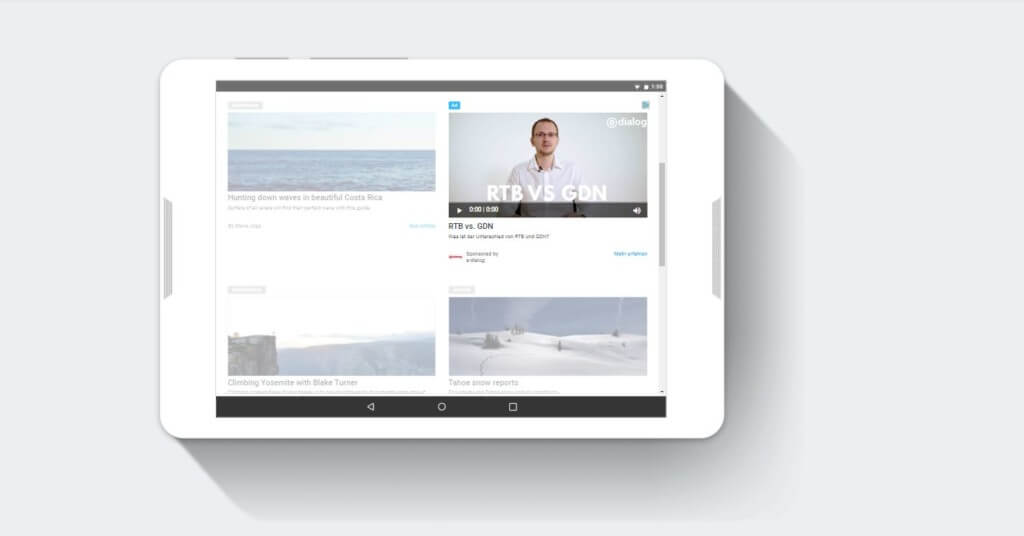
- Mobile tablet
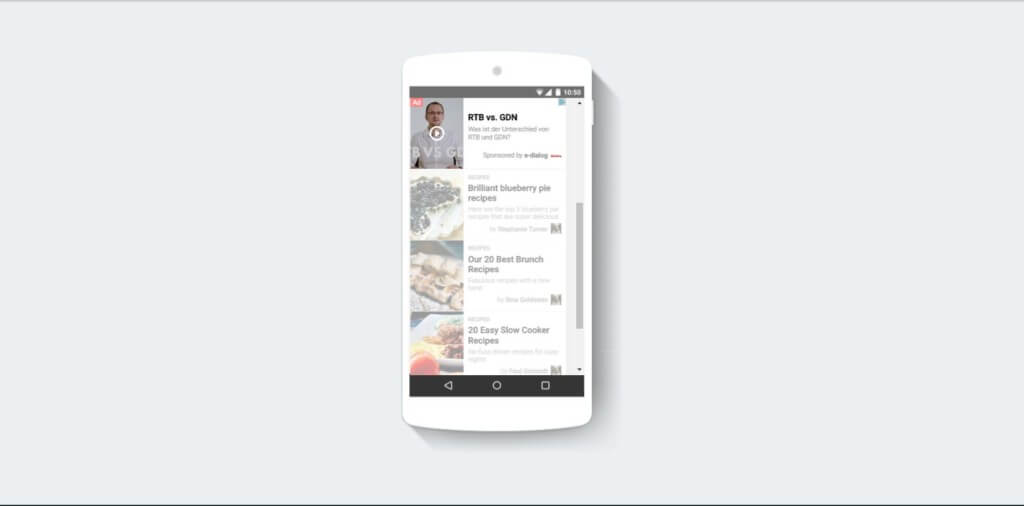
- Mobile phone
-
Mobile Phone 2

-
Desktop
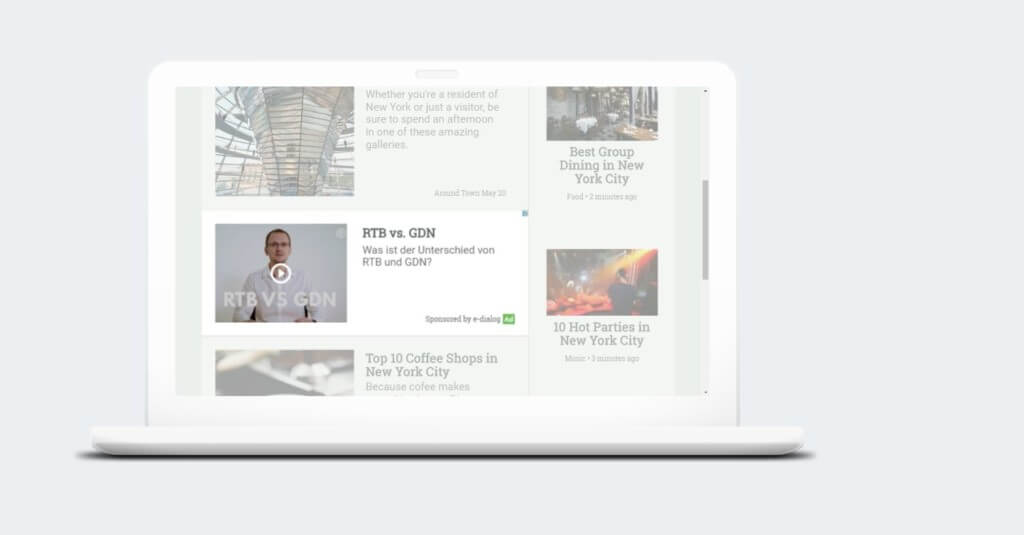
Targeting options for native video ads
Basically apply to native video adsthe same targeting options as with video ads! This means that all regular options are supported with the exception of visibility targeting. Since native ads are placed directly in publisher content, it is important that they be as visible as possiblecontext relevantappear. Some environmental aspects must therefore be taken into account. This mainly affects app targeting.
| Targeting | Desktop computers and mobile web | Mobile app |
|---|---|---|
| Brand safety |  Supports Supports |
Supports |
| Apps and URLs | Supports |
Supports |
| keywords | Supports |
 Not supported due to range limitations Not supported due to range limitations |
| Categories | Supports |
Use app collections instead |
| visibility | Not supported |
Not supported |
| Audience lists | Supports |
Only lists based on device IDs are supported |
| Demographic characteristics | Supports |
Supports |
When are native video ads optimally used? – our recommendations
- When the digital strategy or branding strategy integrates storytelling
- When high-quality, large-format videos with editorial content are available
- Contextual targeting works best for native environments
- Targeting audience/demo metrics is not recommended
- The same assets can be used as on Facebook
Native video ads are not recommended for purely offer-focused campaigns!




