The Meta AI Business Assistant Put to the Test: Added Value or Just a Nice Gimmick?

Management Summary
The world of digital marketing continues to evolve at an unstoppable pace, and Meta is setting new standards with its deeper integration of artificial intelligence. But do these tools deliver on their promises? We take a look back at the announcements, evaluate the Meta AI tools already available, and share our real-world test results from day-to-day performance marketing.
The Status Quo: Where Is the Fully Automated Campaign?
Do you remember just under a year ago? In June 2025, Meta CEO Mark Zuckerberg made headlines. His vision for the future of the advertising ecosystem was radical: Meta campaigns would soon be designed almost exclusively using artificial intelligence. The idea of fully automating campaign creation was on the table. The promise to us advertisers sounded temptingly simple: You simply provide a link to your website, a product image, and your desired budget—and the AI takes care of the rest.
Today, in mid-2026, we have to take a sober look at the situation: In practice, we’re not quite there yet. Although Meta is constantly and vigorously trying to intervene—especially in the creative process of designing your ads—and to push internally generated ads through the system (for example, via the Advantage+ elements in Ads Manager), your strategic and human oversight in campaign management remains indispensable.
However, the Meta AI Business Assistant —set to roll out globally in April 2026—is another crucial step in this direction toward automation. While it doesn’t handle the creative design, it does help you with another extremely time-consuming task: reporting, data analysis, and troubleshooting. The tool promises to identify trends in real time, generate graphs, compare your own results with industry benchmarks, and provide quick solutions to technical challenges.
But what can the tool really do—and how does it differ from Meta’s other AI solutions?

Image: Mariia Shalabaieva on Unsplash
Meta’s AI Offerings Explained: Meta AI vs. Meta Ads AI Connector vs. Meta AI Business Assistant
Meta has launched a whole range of AI solutions in recent months. It’s not easy for advertisers and companies to keep track of them all. The tools serve completely different purposes, and you should clearly categorize them within your marketing mix:
-
01
Meta AI (The B2C Agent Solution)
Meta AI is Meta’s classic, widely used chatbot solution, designed primarily for the B2C market and end consumers (integrated into WhatsApp, Instagram, and Facebook). From an advertiser’s perspective, you can use this tool to brainstorm new creative assets, image ideas, or ad copy in a chat format. However, Meta AI does not have direct access to the actual performance and ad data in your Business Manager.
-
02
Meta Ads AI Connector (The Interface for Third-Party Providers)
The recently introduced Meta Ads AI Connector is a technical solution based on Meta’s “Model Context Protocol” (MCP). It allows you to manage your ad campaigns directly from external AI tools that you already use in your daily work (such as ChatGPT, Claude, or Perplexity). With this connector, agent-based AI tools can gain read and write access to your Meta Ads. According to Meta, the connector is your best option for cross-channel insights, customized workflows, and cross-publisher campaign management (e.g., synchronous data synchronization between Meta, Google Ads, and Shopify). However, this option provides only very limited coverage of Business Manager’s in-depth first-party features.
-
03
Meta AI Business Assistant (The First-Party Analytics Solution)
This is where our real star comes into play: The Meta AI Business Assistant is a purely first-party solution. It’s an AI analyst embedded directly into the user interfaces of Ads Manager and Meta Business Suite. It seamlessly interacts with your existing historical campaign data there, analyzes it in the background, and provides recommendations on demand. Important to know: Generating new images or text creatives isn’t the focus here. Its strengths lie in deriving strategic recommendations, detecting anomalies, and visually presenting data.
Each of these tools therefore serves a different purpose. If you follow Meta’s official recommendations, you’ll achieve the highest ROI by cleverly combining these solutions.
The Main Use Cases for the Meta AI Business Assistant
Let’s take a closer look at the core features of the Business Assistant that are designed to make a lasting difference in your day-to-day campaign management:
Real-Time Performance Analyses & Charts
Whether you need a quick, straightforward overview right before your next client meeting or an in-depth analysis of the last quarter is required, the Assistant generates insights in a matter of seconds via a simple chat entry. This feature is currently available in several languages, including, of course, German and English. Phrases like “Create a graph comparing the click-through rate (CTR) with the spend for my top campaigns from last month” are all it takes. You no longer have to go through the tedious process of exporting CSV files and then creating Excel pivot tables. This allows you to quickly identify trends and sudden drops in performance (e.g., creative fatigue or rising CPMs).
Still, be careful here: Always check whether the KPIs are actually correct and whether the selected data period matches your specifications exactly. According to Meta, the AI is still in beta and can make mistakes. The important thing to remember is this: If you notice a discrepancy, provide feedback to the system directly through the feedback feature. Only through this human input can the assistant learn and become more accurate over time.
Campaign Optimization & the “Benchmark Comparison”
In addition to traditional optimization suggestions—which are often very closely based on the general Meta documentation and offer varying levels of benefit depending on the situation—the assistant offers you a standout feature: the industry benchmark comparison. Thanks to the massive amounts of data flowing through the Meta network globally, the system can compare the performance of your ad accounts with companies in the same industry. For privacy reasons, Meta understandably does not disclose exactly which competitors are included in these comparisons. It’s an anonymized cohort model that Meta determines based on your campaign goals and the assets you use. Nevertheless, it’s an extremely useful tool for finally getting a reliable assessment of how you stack up against the industry average.
Meta also provides general optimization recommendations. Even with AI, it’s important to take a critical look at the suggestions and check whether they’re truly suitable for your specific situation.
The Reality Check: Where AI Fails Miserably (Troubleshooting)
Meta is heavily promoting the fact that the AI Business Assistant is also revolutionizing troubleshooting and account support. We’ve all been there: An ad account gets suspended by mistake, the daily budget gets blocked, or the Meta Pixel spits out cryptic error messages. Normally, that means you have to open a support ticket, spend days on hold, and hope for a boilerplate response.
According to the documentation, the Assistant is designed to provide a quick solution here: For minor issues, it provides precise direct links to the relevant help articles. And if that’s not enough? Then you should be able to immediately request direct contact with a real Meta support agent using simple prompts such as “Talk to a human,” “I want to talk to an agent,” or “Connect me to a support agent.”
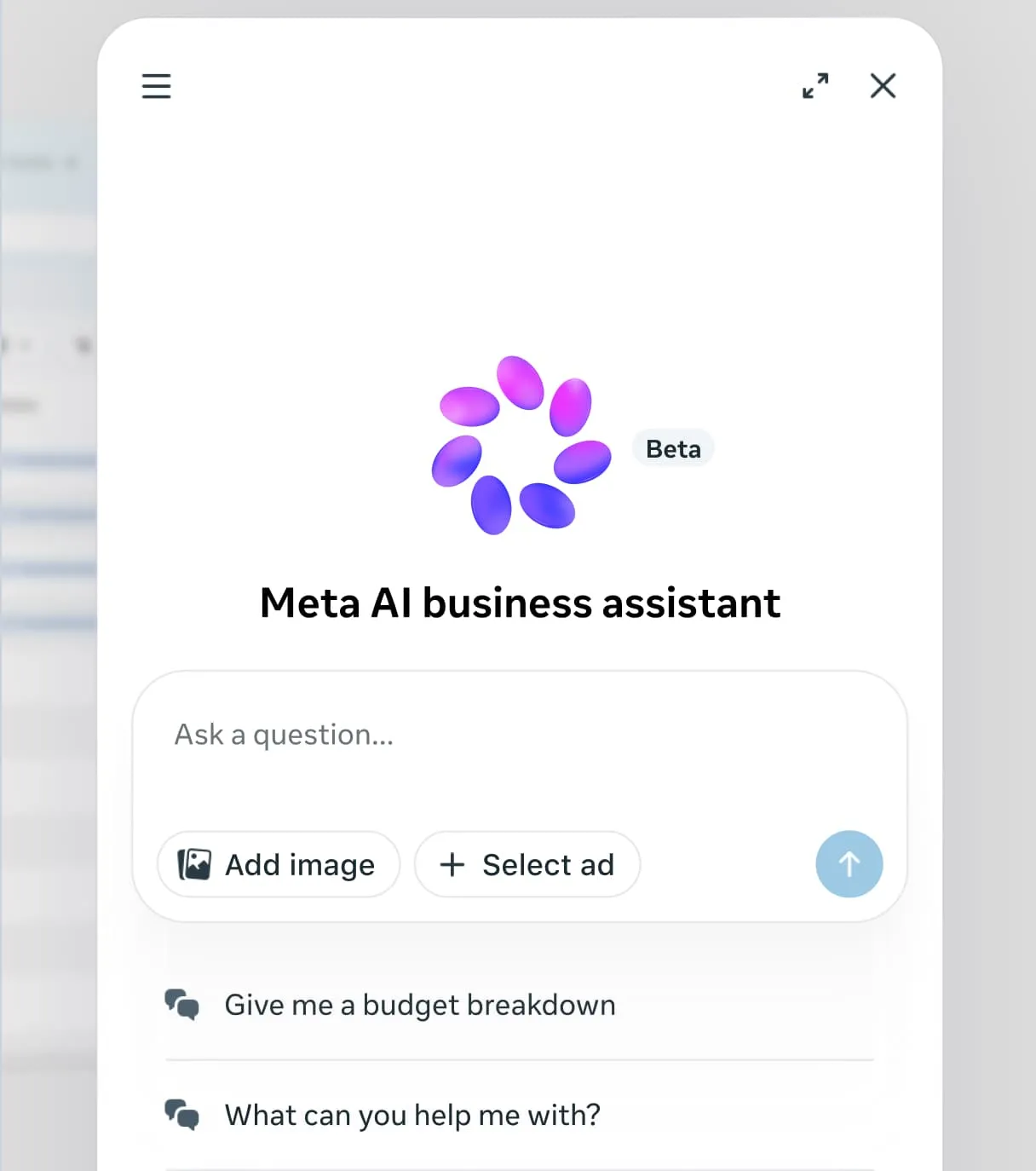
We put this very feature through a rigorous real-world test—and were quickly disillusioned.
Unfortunately, the promised seamless transition to a human agent is currently not working reliably at all. Here’s how it went in our test: The Business Assistant first asked for the email address—as part of a standard procedure—that the support team should contact in case the conversation was interrupted. After the information was entered, the system began to load. However, after an unusually long loading time, the process aborted and the chat displayed a generic error message: “Please try again later.” While the assistant excels at handling simple questions and quickly finding documentation links, we see massive room for improvement on Meta’s part when it comes to critical troubleshooting and the human escalation process. This is a real problem when large accounts are losing money every hour due to account suspensions.
Image: Meta
Conclusion & e-dialog Recommendation: Trust is good, but verification is better
Our conclusion about the Meta AI Business Assistant is twofold: The tool is an exciting gimmick and, in some ways, a useful aid. It saves time on ad hoc data analysis, offers quick optimizations, and provides you with valuable strategic indicators through industry benchmarking.
Nevertheless, in the age of marketing AI, it’s more important than ever to take a second look! Artificial intelligence systems still tend to produce “hallucinations” or misinterpret data. You should never blindly and uncritically adopt automated optimization suggestions. You must always critically evaluate them in the context of your individual, overarching corporate and business goals. While AI can recognize the “symptoms” of a campaign, strategic prioritization and creative direction still require your trained eye as an expert.
Our recommendation for you and your company: Use the Meta AI Business Assistant as a fast, digital co-pilot for your daily analytics routine. Let it assist you with data preparation and minor optimizations, but keep firm control over budget decisions and final troubleshooting.