No more setup needed: Chat with GTM via MCP in minutes

Management Summary
Quickly connect AI to your GTM containers via MCP servers: no complex setup, easy authentication, start automating today!
In my previous article “MCP Server – Theory” I already mentioned some tools that support the use of MCP servers.
In the past, I primarily used VS Code, the Gemini Code Assist Plugin, and an MCP server for GA4. At the end of the day, it worked, and I could chat with the data. Nevertheless, the setup and especially the authentication took me some time. That’s why I did some research to find an easier way to get started with MCP.
I found a tool called Pipedream https://pipedream.com/. Please note that it is owned by a US company, and you must check if its use is permitted by your company. Also, as you will see in one of the screenshots, the feature we are using is in alpha phase.
You can follow these steps to try out the GTM MCP Server:
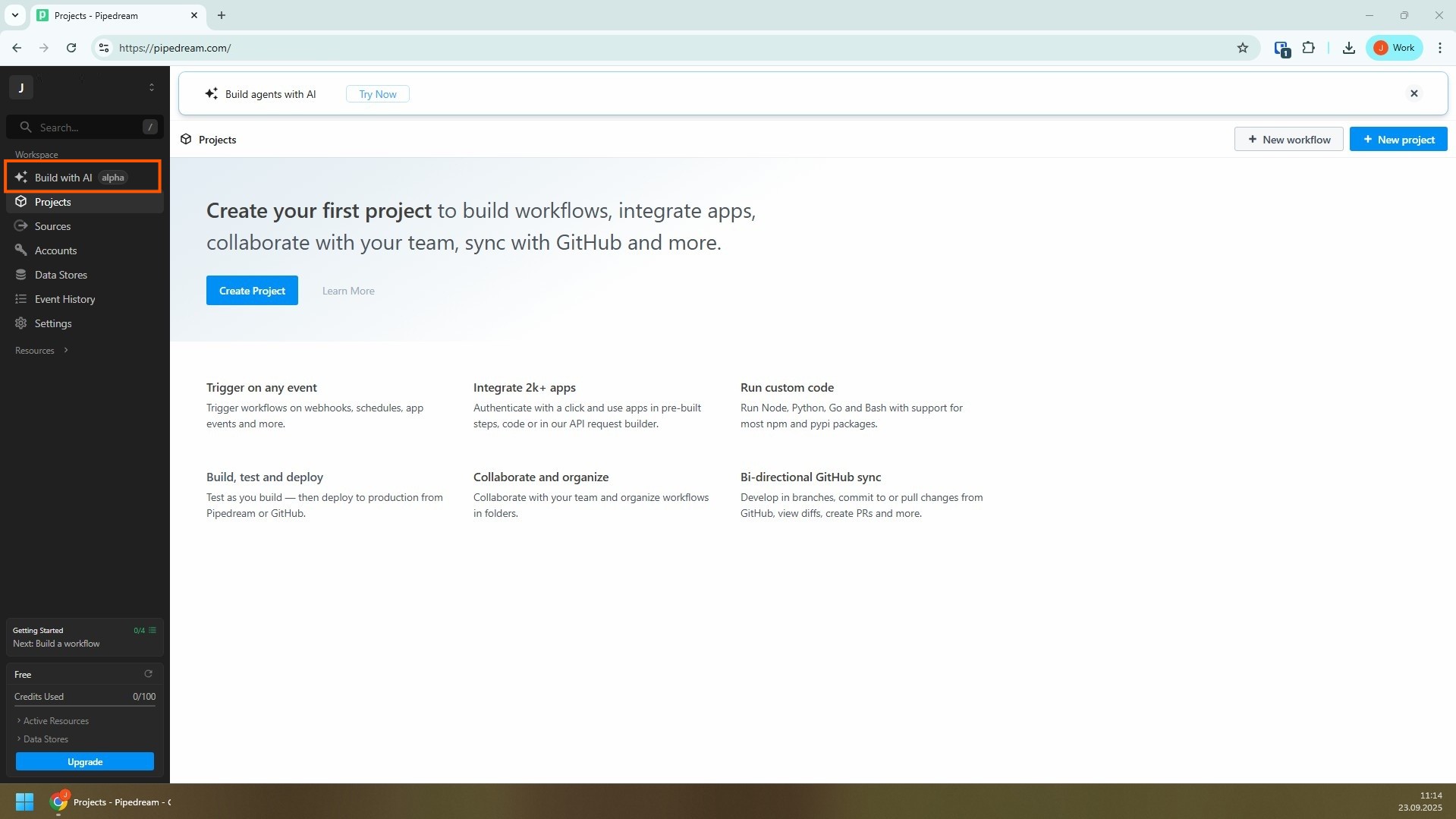
Register, confirm your email address, and click the “Build with AI alpha” button on the homepage
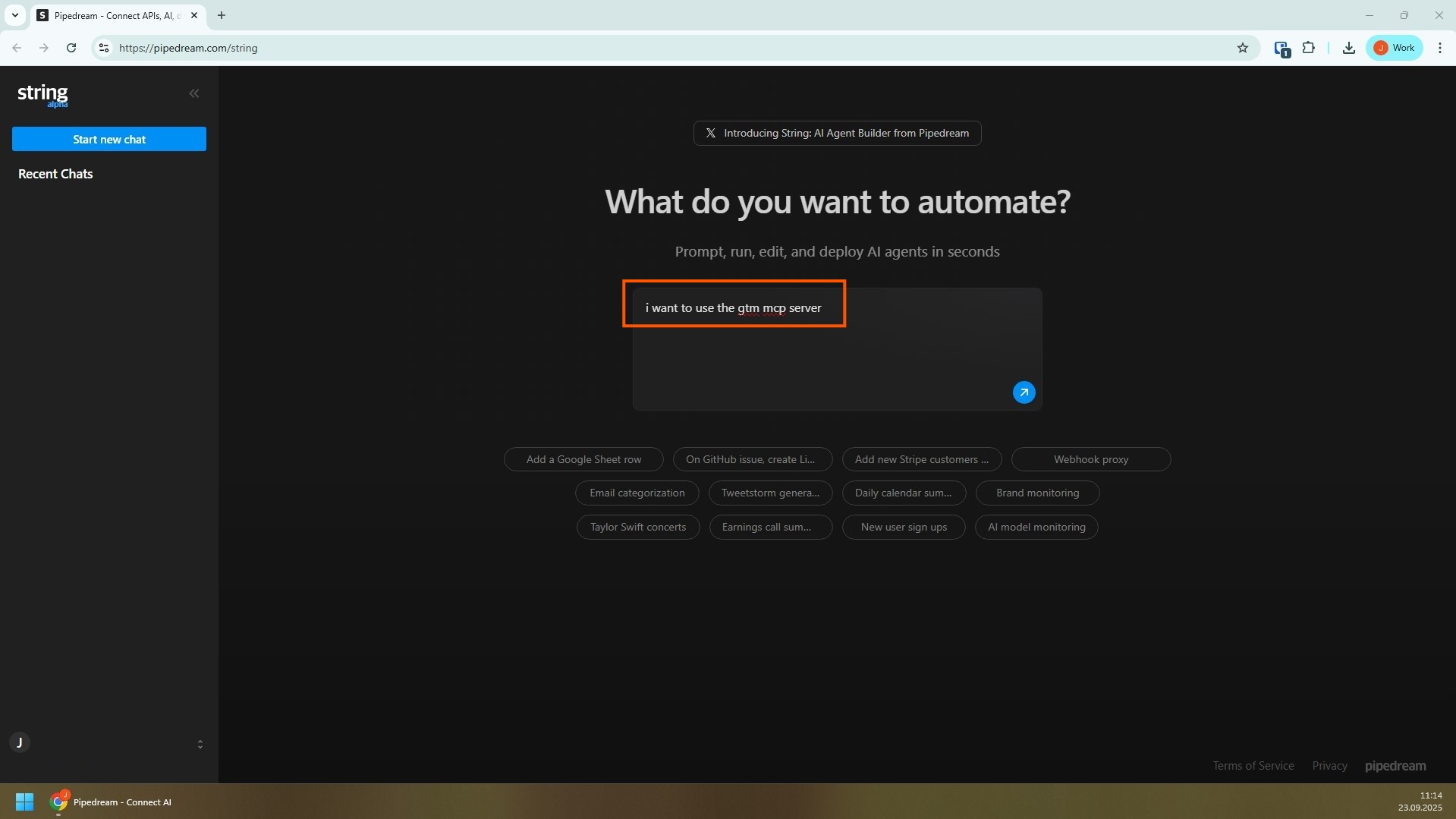
Simply execute a prompt to start the GTM MCP Server
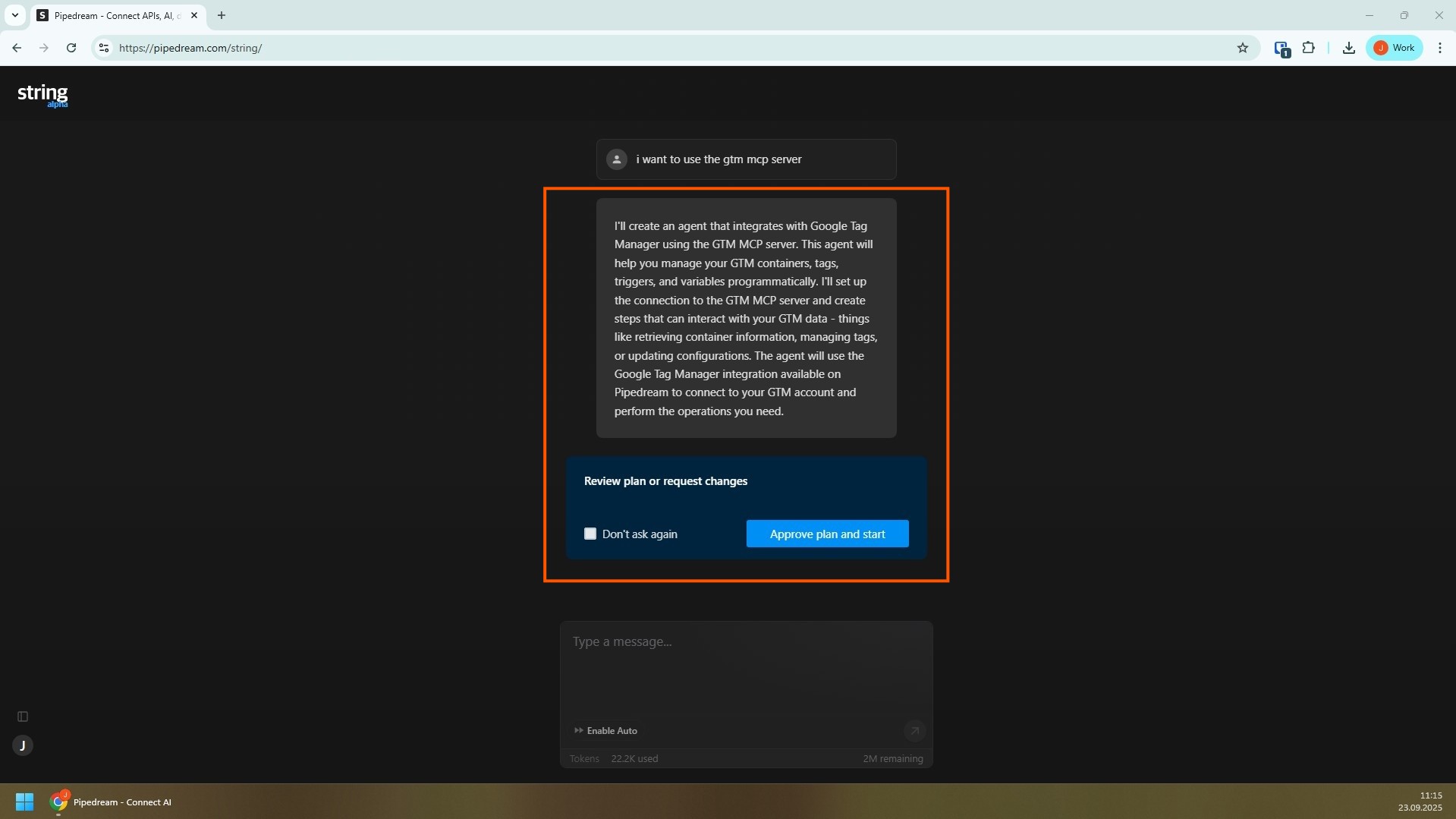
The AI chat (called String) should recognize this and start the necessary functions
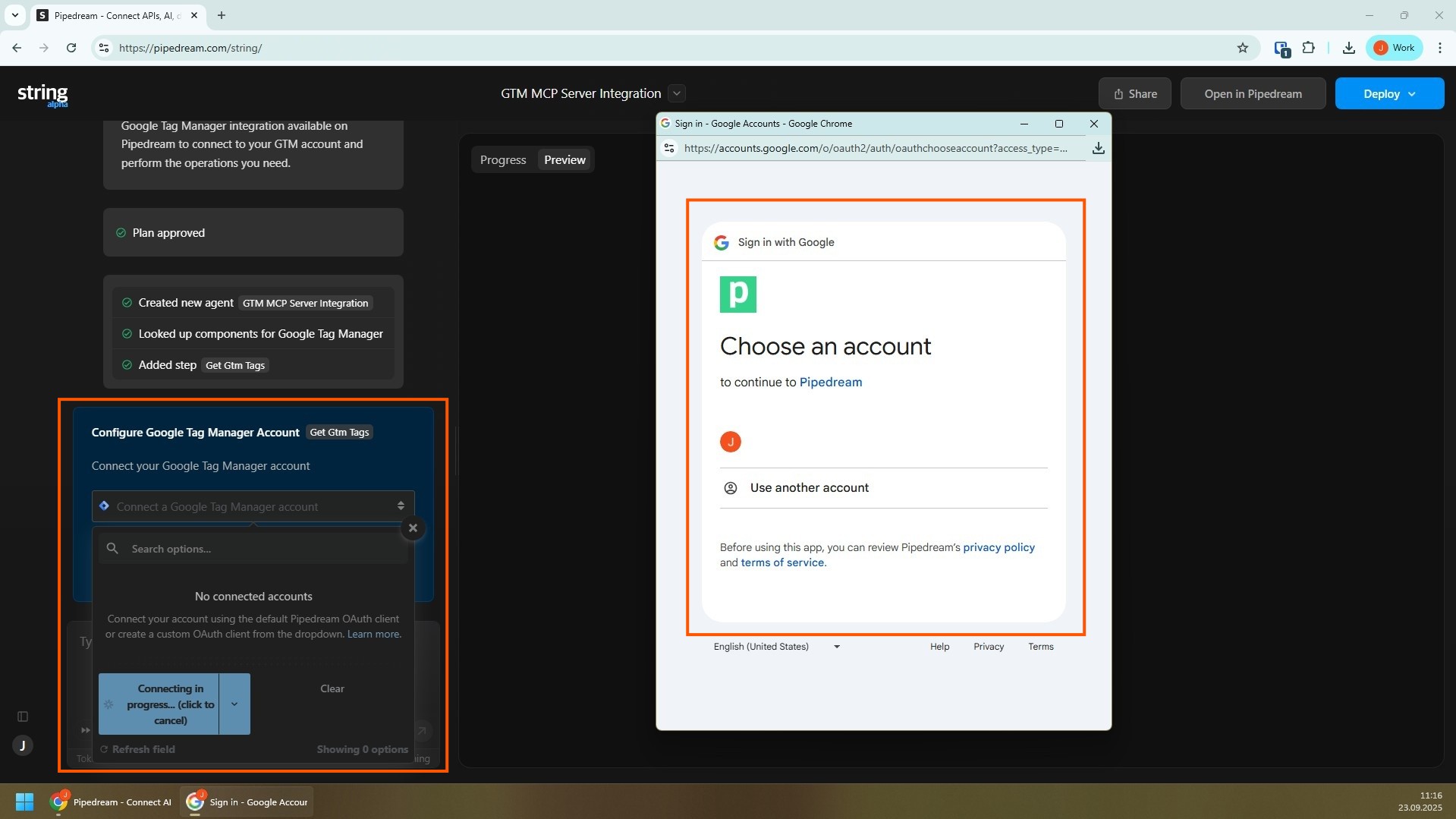
To connect to your GTM containers, you must log in via your Google account
- This is the biggest advantage over using your IDE/editor for working with MCP servers
- Authentication is much simpler with a tool like Pipedream
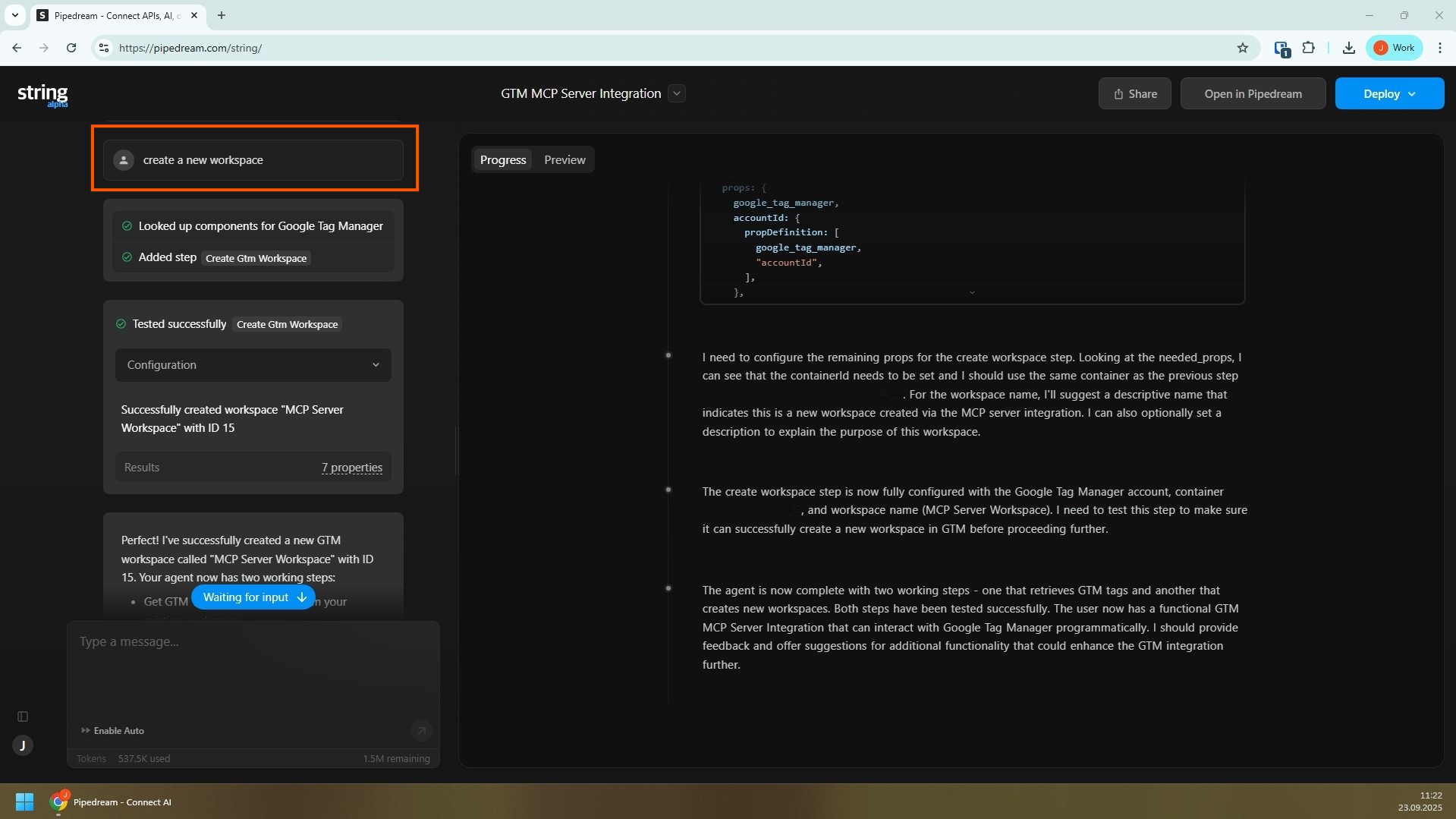
Then you can work with your GTM containers, for example, via a prompt like “create a new workspace”
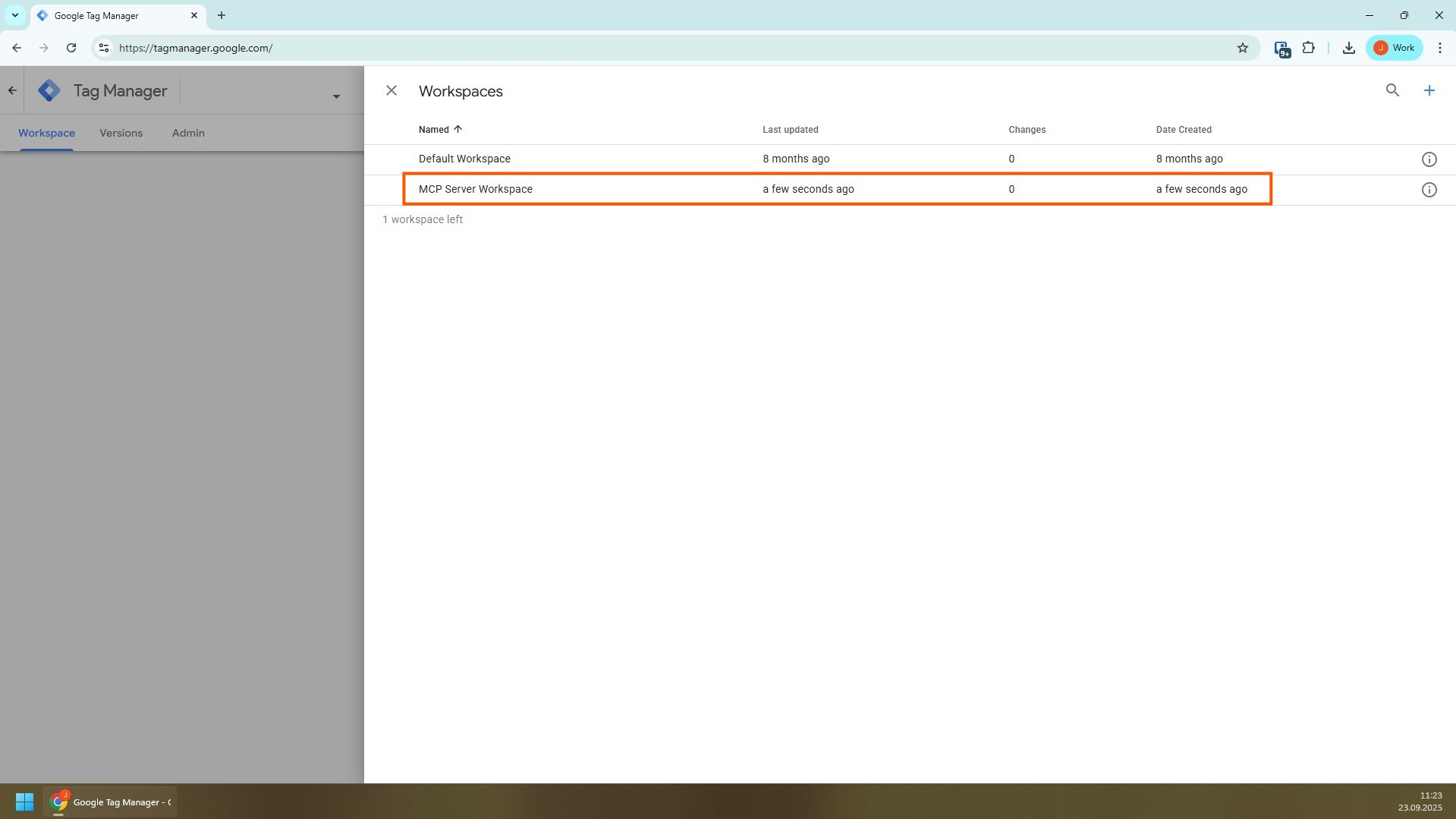
After some time, you will see the newly created workspace in the GTM user interface
The tool also offers functions for creating workflows and automating tasks, so there is more to discover than just the use case mentioned above.
Conclusion
The MCP approach is still under development and not yet fully mature. During my experiment, I found that the time between executing a prompt and completing the task is still significant, and manually creating a workspace was faster. In the future, it will be interesting to see which tasks can be meaningfully automated via prompts and which are better handled manually.