Effective Dynamic Ad Templates

Management Summary
This article highlights the possibilities and advantages of using Dynamic Ads Templates and at the same time addresses the challenges and the knowledge required to use this advertising tool efficiently.
Advantages of Dynamic Ads
Dynamic Ads enable:
- Time savings when implementing banner variations
- Deliver tailored messages to different audiences
- Better audience awareness due to more relevant content created by using the right algorithms and signals
- Achieve better click rates
- Better workflows and collaboration between media and creative teams
Disadvantages of Dynamic Ads
Currently, an HTML template must be created for each newly implemented campaign.
One might assume that once a template is created, it can be reused for campaigns that have the same look. To a certain extent that is true. However, there are always different HTML files for each banner.
The more campaigns we implement, the more template files accumulate and the same applies to content feeds. Not to mention that a creative campaign always needs to be set up.
So how can you avoid this?
The ALMIGHTY template
The ALMIGHTY template setup. A setup that allows all campaigns to be in “one place”.
This means that the HTML template consists of various layouts and animation templates contained within itself. (Templates within the template)
The feed itself would be more complex in the sense that it should contain all possible elements for the banners.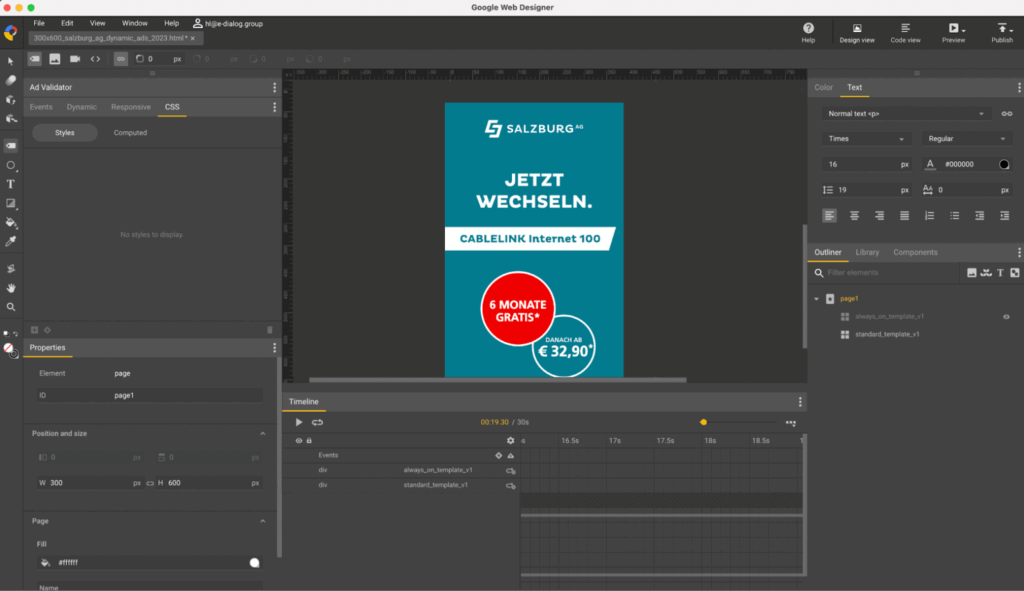 Screenshot from Google Web Designer showing what the template looks like, source: e-dialog
Feed definition
An important point in this setup is that the feed needs to be very well defined from the start.
This means that you have to think about the maximum number of elements a banner can have.
These elements do not necessarily have to be presented all at once. Not all elements of the feed always have to be used.
The restriction would be, for example, if we want to display four headings in the ad at a certain time, but the feed only has the option to insert three headings.
These dynamic elements need to be defined very precisely because once the setup is complete, it can be quite tedious to add more elements in the future.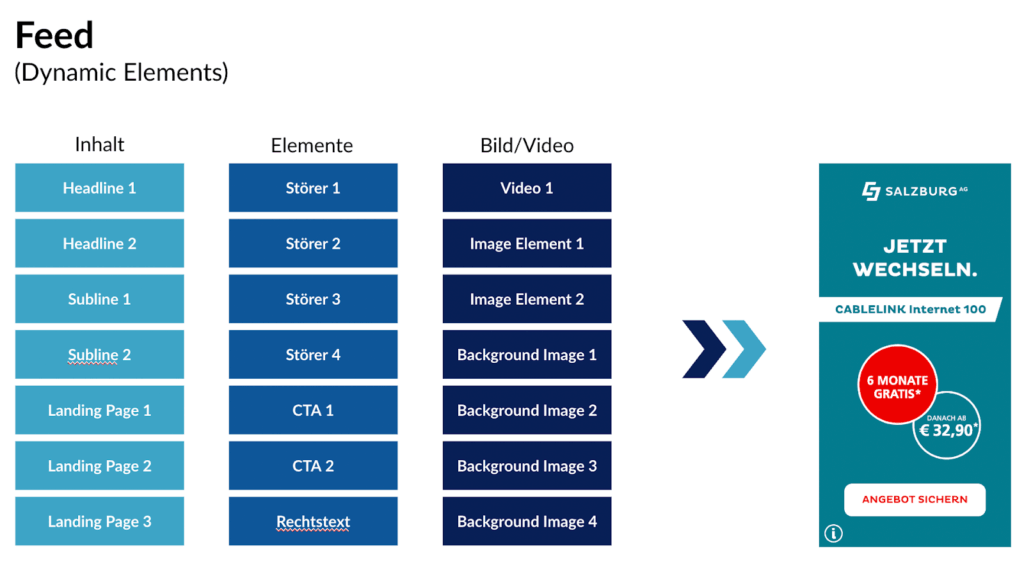 Feed definition example for our customers Salzburg AG, source: e-dialog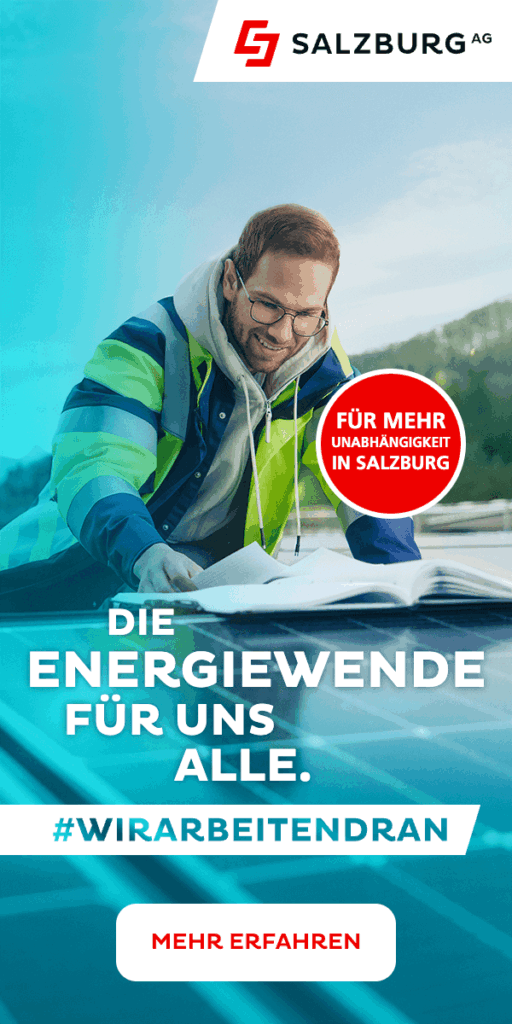
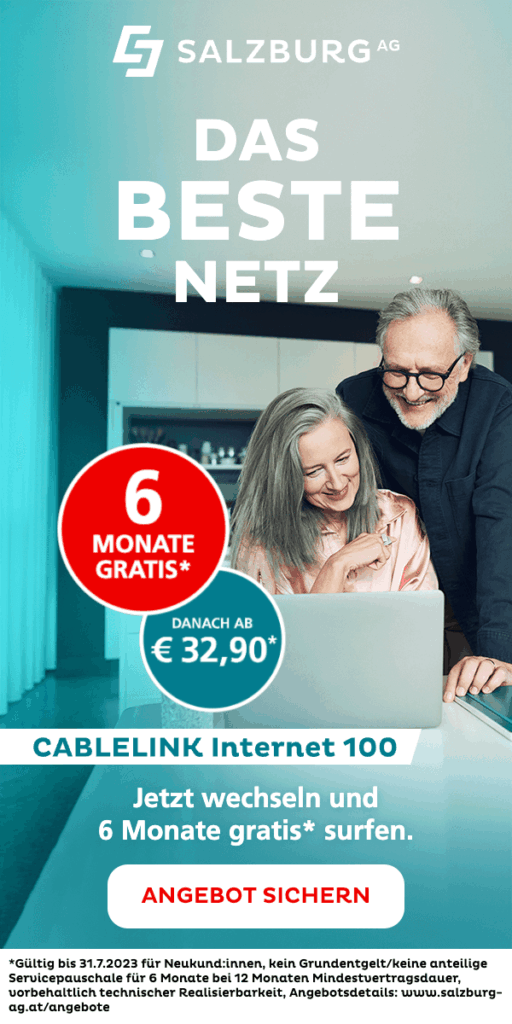
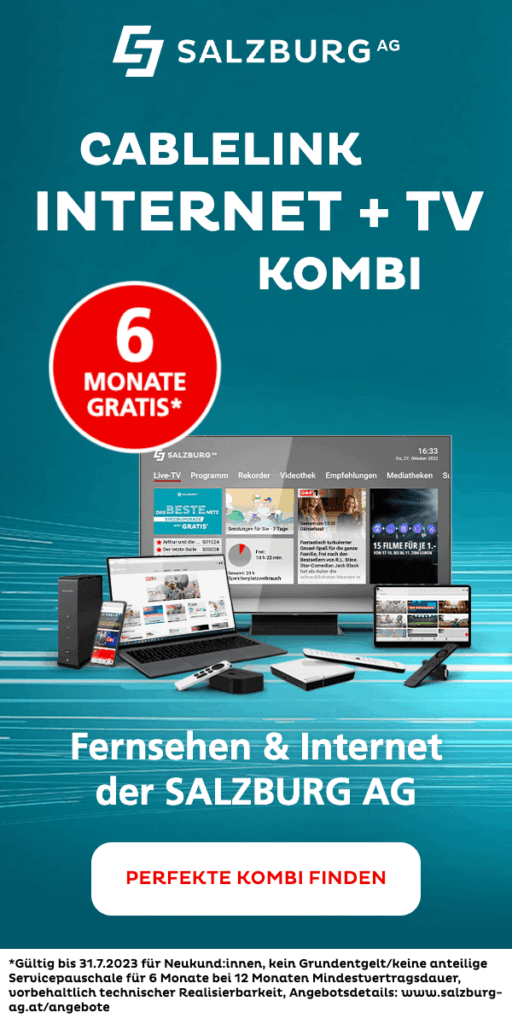
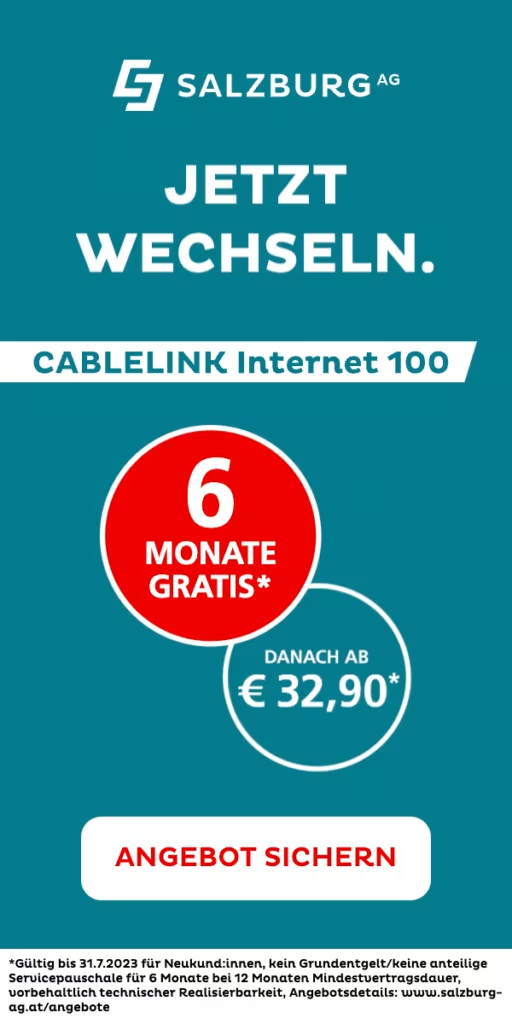
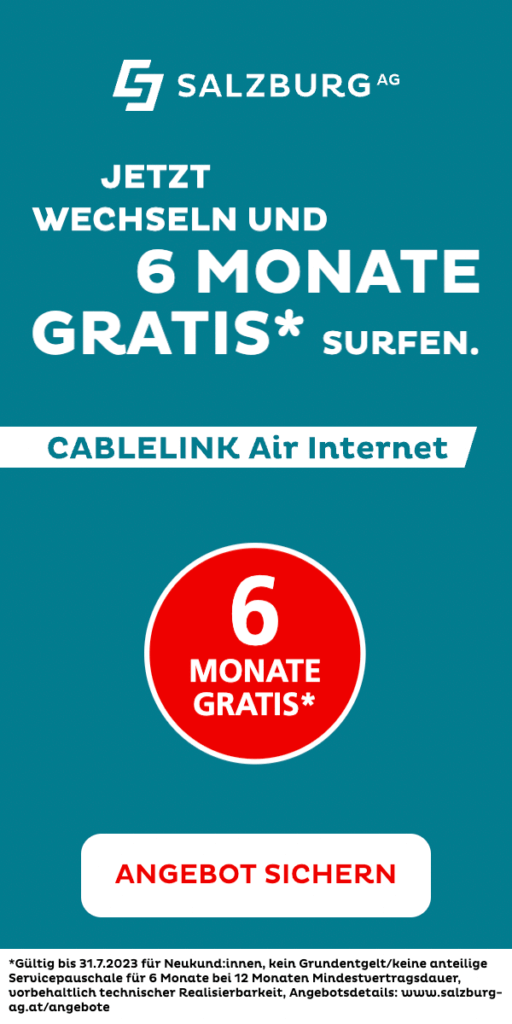 Banner variations for our customer Salzburg AG from just 1 template and 1 feed, source: e-dialog
Why hasn’t this been done before?
This is mainly related to the HTML part of the process. The tools we use to create dynamic banners (Google Web Designer in this case) generally do not have a template creation feature within a template.
Thanks to our experience with Google Studio and our programming knowledge, we can design our designs to contain more than one template within themselves.
Advantages of this setup
As mentioned earlier, one of the advantages of this concept is that everything is “in one place” for each campaign. This means there is only one feed and only one HTML file (per format).
Another advantage is the time saving. First, the campaign only needs to be set up once in Google Studio. Secondly, once some layout animations are implemented into the banner, it will be even faster to create banner variations for new campaigns.
However, it is important to keep in mind that if creatives need to create a new animation in the template, it will still take some time to do so. But if it already exists, it can literally be reused.
Conclusion
Creating all-powerful dynamic templates is not an easy process and requires some coding knowledge, but this setup allows for faster creation of banner variations as well as a centralized and organized setup. However, it is important to remember that if new animations are needed, some time still needs to be invested in their implementation.